About Videoleap
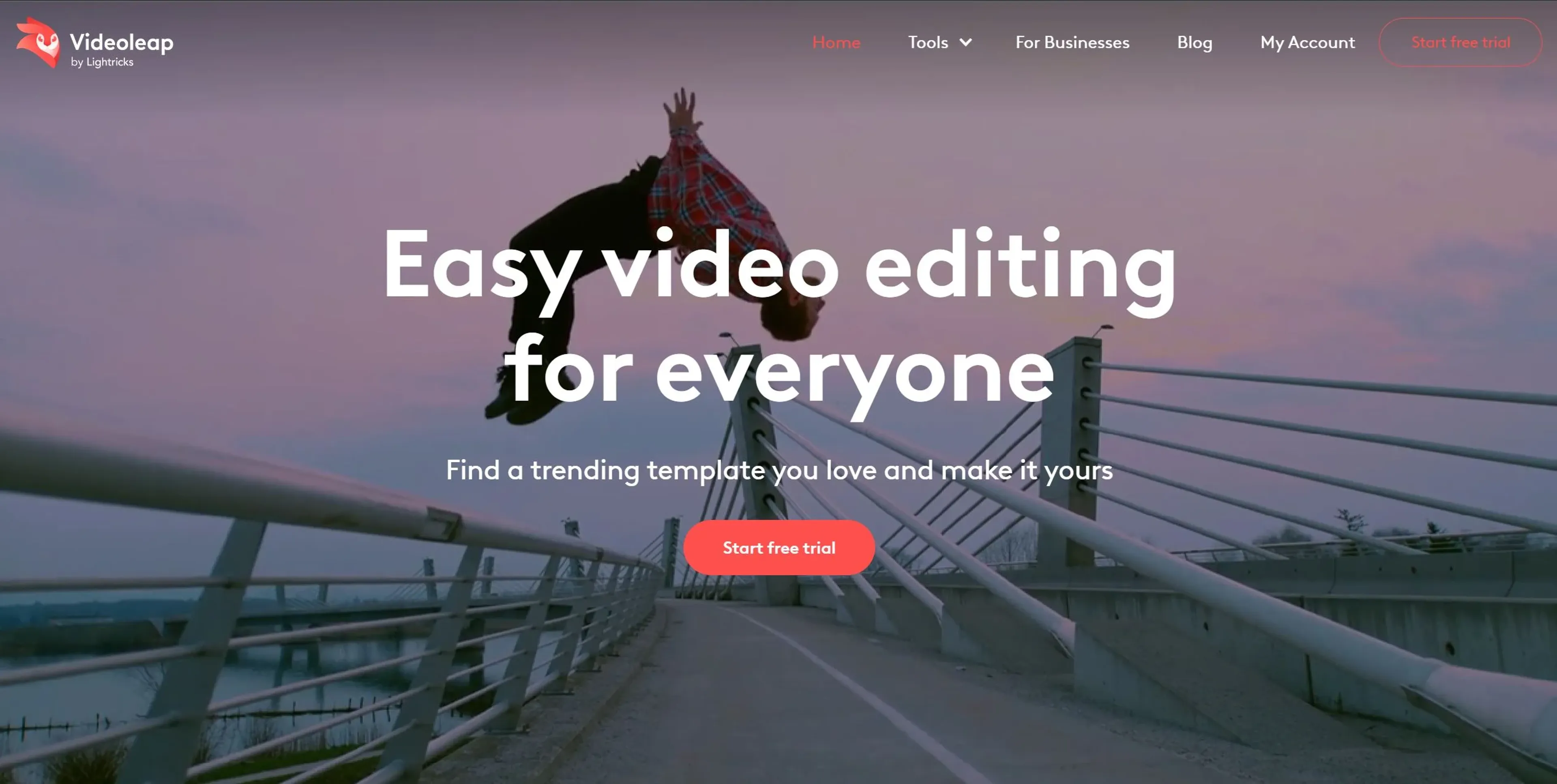
Videoleap by Lightricks is an AI-powered video editor that blends professional-grade capabilities with an intuitive interface. It offers AI presets and custom prompts for unique effects, effortless object removal, and advanced background replacement via the Cutout tool. The comprehensive editing suite includes filters, transitions, speed control, and text overlays. Available online and on iOS/Android, Videoleap serves content creators, businesses, and social media managers for producing engaging videos, promotions, and personal memories. A 7-day free trial is available, with subscription plans for full access.
Key Features
- AI Video Effects: Leverage AI presets to transform images and videos with a unique flair or use custom prompts for a personalized touch.
- Easy Object Removal: With AI technology, effortlessly remove unwanted objects from your videos to maintain focus on what truly matters.
- Advanced Background Replacement: Utilize the Cutout tool to swap video backgrounds seamlessly, from green screens to any scene of your choice.
- Comprehensive Editing Suite: From video filters and effects to transitions, speed control, and text overlays, Videoleap offers all the essential tools for professional-grade video editing.
Pricing Details
- 7-Day Free Trial: Start with a full-access free trial to explore Videoleap's capabilities.
- Subscription Options: Videoleap offers subscription plans, but specific pricing details are best checked on their website to ensure accuracy.
Pros
- Intuitive Interface: Videoleap's user-friendly design makes complex video editing accessible to creators of all skill levels.
- AI-Powered Tools: The AI features not only save time but also open up new creative possibilities, making it easier to achieve professional-looking results.
- Versatility: Whether it's creating content for social media, business promotions, or personal memories, Videoleap caters to a wide range of video editing needs.
- Cross-Platform Availability: Available online and as a mobile app for iPhone and Android, Videoleap ensures you can edit videos wherever you are.
Cons
- Learning Curve for Advanced Features: While the interface is intuitive, mastering the full range of tools and AI features may take some time for beginners.
- Subscription Model: Access to the full suite of features requires a subscription, which might be a consideration for users looking for a free tool.
Use Cases
- Content Creators and Influencers: For creating engaging social media content, including TikToks, Reels, and YouTube Shorts.
- Businesses: To promote products or services through professional and impactful video content.
- Social Media Managers: For generating dynamic ads, partnership content, and promotional videos.
- Individuals: Capturing life’s special moments and transforming them into lasting memories through personalized videos.