
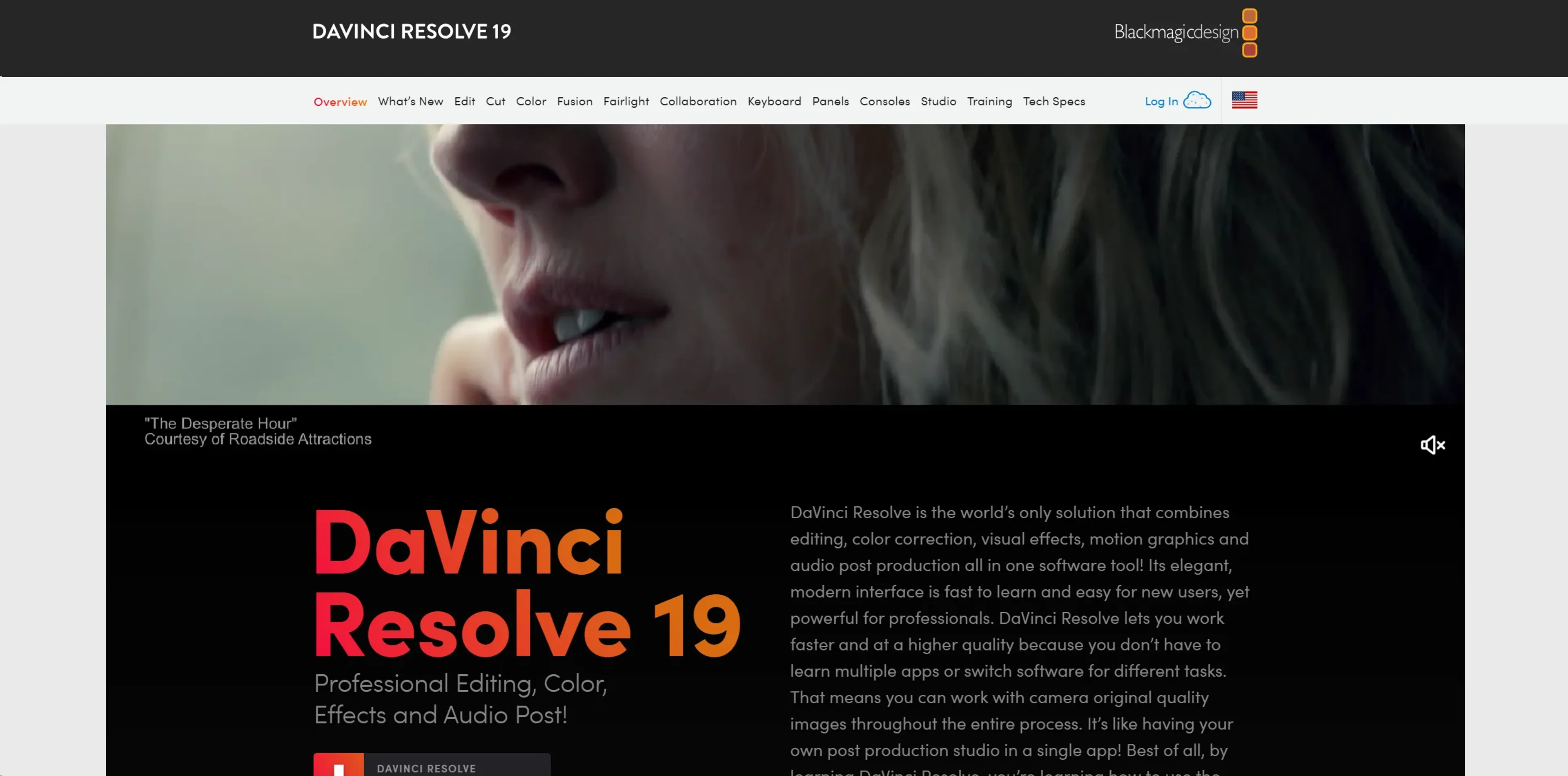
About DaVinci Resolve
DaVinci Resolve 19 is a comprehensive post-production suite that combines editing, color correction, visual effects, motion graphics, and audio post-production in one application. Built for film and television professionals as well as serious amateurs, it includes a streamlined cut page, the node-based Fusion VFX environment, and Fairlight audio tools supporting up to 2,000 tracks. Real-time multi-user collaboration lets teams work on the same project simultaneously, while the DaVinci Neural Engine adds machine-learning features like facial recognition and scene cut detection. Available in a free version and a $295 Studio edition.
Key Features
- Professional Editing Tools: DaVinci Resolve includes both traditional nonlinear editing interfaces and a revolutionary cut page with streamlined workflows.
- Advanced Color Correction: Recognized as the industry standard for color grading, it offers a wide gamut workspace and powerful features that allow precise control over color and lighting effects.
- Fusion VFX: A node-based interface that provides vast capabilities for creating complex visual effects and motion graphics right within the software.
- Fairlight Audio Post: Integrated professional tools for audio post-production, capable of handling up to 2,000 tracks with real-time effects and processing.
- Multi-User Collaboration: Real-time collaboration features let multiple users work on the same project simultaneously, a game-changer for larger production teams.
- DaVinci Neural Engine: Utilizes machine learning to enable powerful features like facial recognition and scene cut detection, enhancing both creative possibilities and editing efficiency.
Pricing Details
- DaVinci Resolve Free: A robust version available for free, with some limitations compared to the Studio version.
- DaVinci Resolve Studio: Priced at $295, includes advanced features like the DaVinci Neural Engine and additional Resolve FX.
Pros
- All-In-One Solution: Integrates all aspects of post-production into one application, reducing the need for multiple software solutions.
- Industry-Standard Quality: Offers professional-grade tools that are used in Hollywood, ensuring high-quality output.
- Customizable Interface: Highly adaptable to various workflows and user preferences, enhancing productivity.
- Extensive Format Support: Compatible with virtually all video formats, making it highly versatile for any post-production task.
Cons
- Steep Learning Curve: The vast array of features can be overwhelming for beginners.
- Resource-Intensive: Requires a robust hardware setup to utilize all features smoothly.
- Limited Third-Party Plugin Support: While powerful, it could offer more in terms of third-party integrations and extensions.
Use Cases
- Film Editors: Utilizing the tool for editing feature films due to its comprehensive and high-quality toolset.
- Colorists: Employing the software for advanced color grading tasks.
- Visual Effects Artists: Creating complex effects and animations with Fusion.
- Sound Engineers: Using Fairlight for audio post-production.
- Television Studios: Leveraging its fast workflow for quick turnarounds on episodes.
- Uncommon Use Cases: Academic institutions use it for teaching media production; YouTube creators use it for producing high-quality content.