
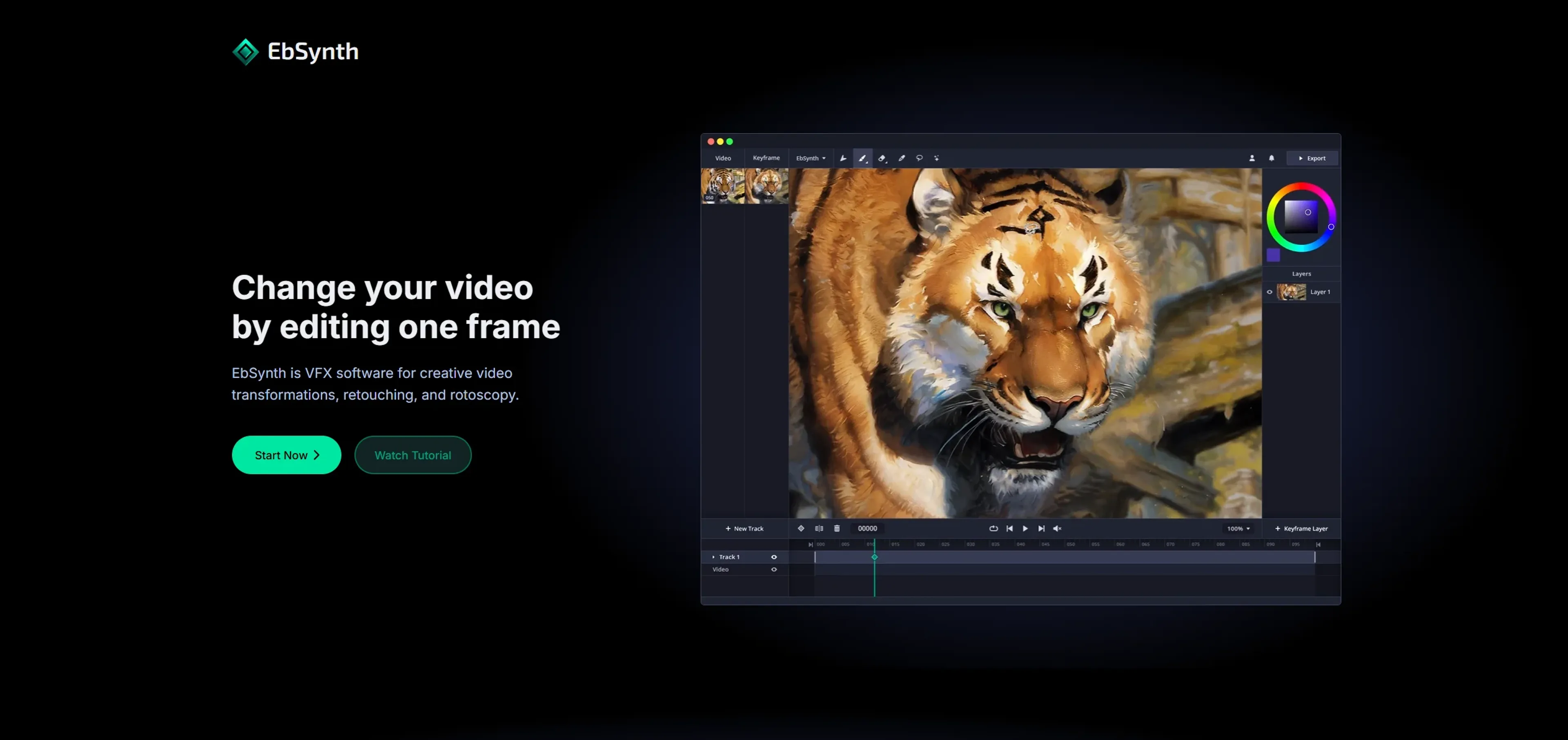
About EbSynth
EbSynth is a VFX tool that transforms videos by editing a single frame. Paint over keyframes and its texture-synthesis algorithm propagates those changes through the sequence, turning performances into hand-drawn animation without manual tracking. It supports retouching, colorizing, and rotoscopy workflows for filmmakers, animators, and digital artists. Unlike typical AI tools, output is based only on your input video and keyframes, with AI features optional. The free tier covers core features, Pro adds 4K export and PNG sequences for $20/month, and Studio offers offline processing with data privacy.
Key Features
- Frame-Based Editing: EbSynth allows users to change videos by editing one frame, which then propagates changes throughout the sequence.
- Texture-Synthesis Algorithm: Unlike typical AI tools, EbSynth utilizes a texture-synthesis algorithm, ensuring the final output is based solely on the user's input video and keyframes.
- Retouching and Colorizing: This feature makes manual tracking obsolete, enabling fast and effective video touch-ups and colorization.
- Offline and Secure Processing: With the Studio plan, you can run EbSynth entirely offline, ensuring complete data privacy.
Pricing Details
- Free Tier: Experience EbSynth with no time or functional limitations.
- Pro Tier: $20 per month for up to 4K video export, PNG sequence output, and priority processing.
- Studio Plan: Custom pricing for offline processing, complete data privacy, and dedicated support.
Pros
- Creative Freedom: Users can transform video into hand-drawn animations with ease, providing a unique artistic touch.
- Cost-Effective Plans: Offers a free tier that includes core functionalities, making it accessible to a wide audience.
- Efficient Workflow: Eliminates tedious manual tracking, streamlining the video editing process.
- Data Privacy: Projects remain on your computer, with no long-term storage on external servers.
Cons
- Initial Learning Curve: New users might need some time to fully understand keyframe alignment and timing.
- Limited AI Features: The tool's AI capabilities are optional and not as extensive as some might expect.
- Desktop Only: EbSynth is not available on mobile devices, limiting access to desktop users.
Use Cases
- Film and Animation Studios: Utilizing EbSynth for creative storytelling and unique visual effects.
- Independent Filmmakers: Employing the tool for cost-effective and visually engaging video transformations.
- Digital Artists: Leveraging EbSynth to add a hand-drawn touch to their video projects.
- Animators: Using the software for efficient rotoscopy and animation workflows.
- Uncommon Use Cases: Adopted by educators in visual arts courses for teaching video editing techniques; used by game developers for creating stylized cutscenes.