About Trello
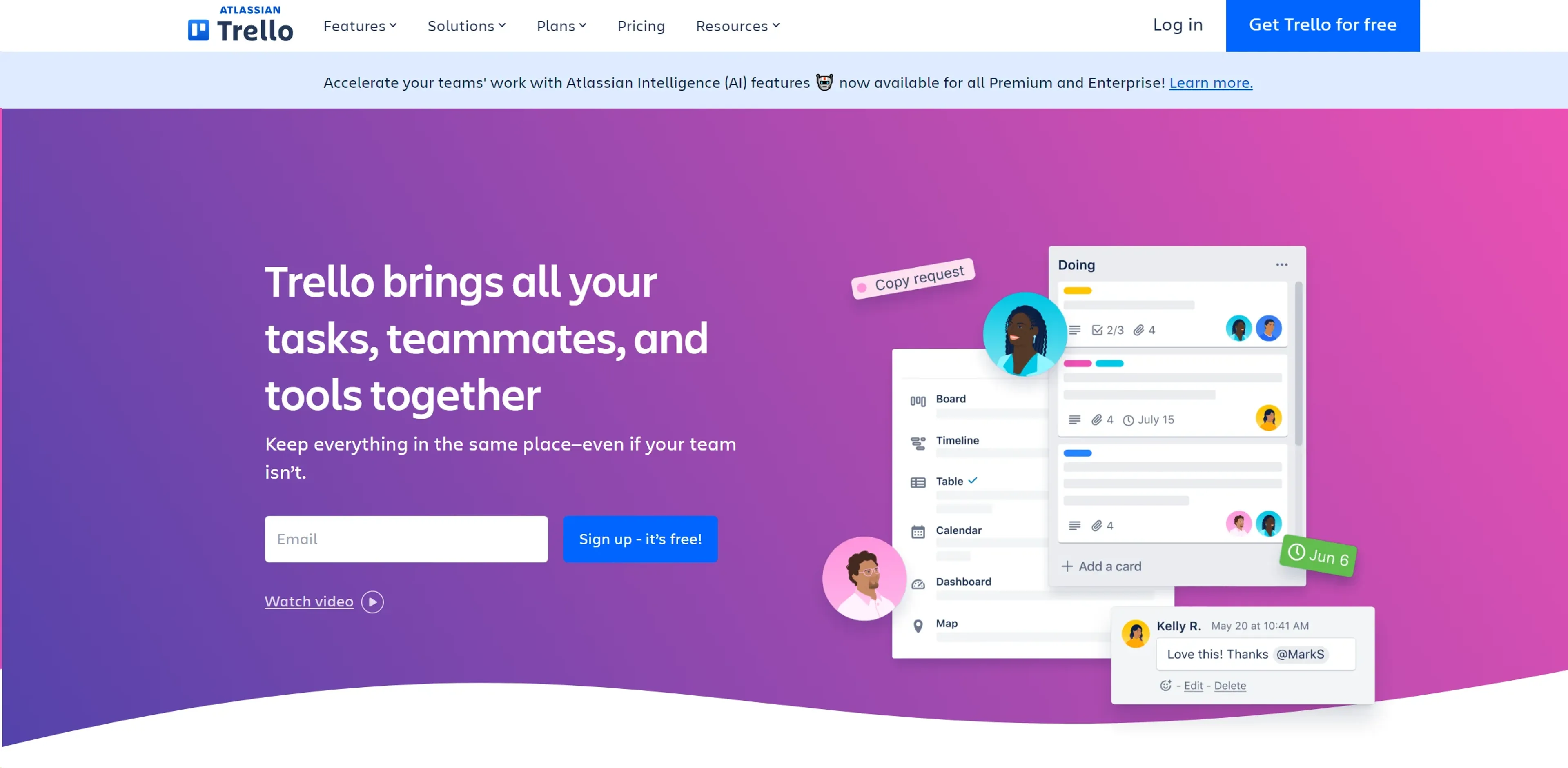
Trello is a visual project management platform that helps teams organize tasks and workflows using customizable boards, lists, and cards. It offers Butler automation to streamline repetitive actions, Power-Ups to integrate with tools like Slack and Google Drive, and flexible views such as Timeline, Calendar, and Table. Suitable for marketing teams, software developers, project managers, and educators, Trello scales from small startups to large enterprises. Available on mobile and desktop, it keeps teams synchronized and productive, turning coordination chaos into a streamlined workflow.
Key Features
- Visual Project Boards: Create customizable boards for different projects, allowing teams to visualize workflow stages from start to finish.
- Butler Automation: Automate routine tasks and set custom rules and commands to save time and reduce manual work.
- Power-Ups: Enhance functionality by integrating with other tools like Slack, Google Drive, and more, creating a centralized workspace.
- Templates: Access a variety of pre-made templates designed by industry leaders to kickstart your projects and maintain consistency across teams.
- Flexible Views: Switch between various views like Timeline, Calendar, and Table to manage your projects from different perspectives.
- Mobile and Desktop Apps: Stay connected and manage tasks on-the-go with Trello’s responsive mobile and desktop applications.
Pricing Details
- Free Plan: Manage tasks with basic features at no cost.
- Standard Plan: At $5 per user/month if billed annually, offering advanced board and timeline views.
- Premium Plan: Priced at $10 per user/month when billed annually, includes additional automation and integration capabilities.
- Enterprise Plan: Custom pricing for comprehensive control and support for larger organizations.
Pros
- Enhanced Collaboration: Keeps teams synchronized, regardless of location, facilitating remote work and real-time updates.
- Customizable Workflows: Adapt the tool to fit different project needs and team sizes, making it suitable for a wide range of industries.
- User-Friendly Interface: Easy to use for beginners, with drag-and-drop functionality and a simple, clean design.
- Scalability: Suitable for both small startups and large enterprises, with features that cater to varying levels of complexity.
Cons
- Overwhelming for Large Teams: While scalable, the interface can become cluttered with too many boards or cards, potentially overwhelming users.
- Limited Offline Functionality: Relies heavily on internet connectivity, which can be a limitation in areas with poor internet access.
- Feature Limitations in Free Version: Some advanced features are only available in paid versions, which might restrict smaller teams or individuals.
Use Cases
- Marketing Teams: Plan and track marketing campaigns, from ideation to execution.
- Software Developers: Manage sprints, backlogs, and bug tracking to enhance software development processes.
- Project Managers: Oversee multiple projects, ensuring deadlines are met and resources are allocated efficiently.
- Educational Institutions: Organize academic projects and administrative tasks.
- Uncommon Use Cases: Used by event planners for organizing large-scale events; utilized by non-profits for grant and volunteer management.