
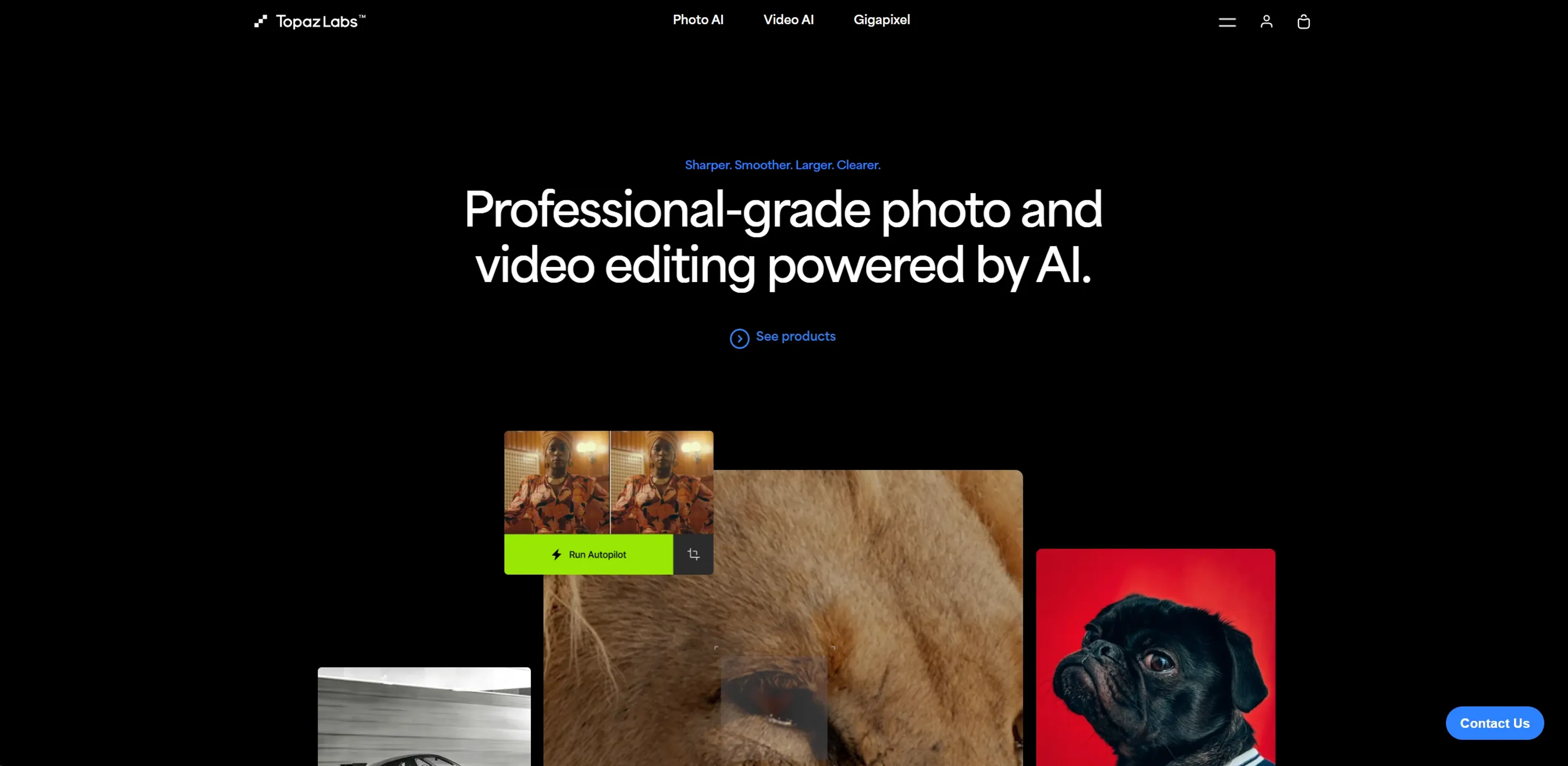
About Topaz Labs
Topaz Labs provides AI-driven photo and video enhancement software for professionals. Its suite includes Photo AI, Video AI, and Gigapixel AI, offering features like automatic quality enhancement, video stabilization, and high-resolution upscaling. All processing runs locally on your machine, ensuring privacy and security. The tools support batch processing for efficiency, making them ideal for photographers, videographers, and digital artists. While requiring high-performance hardware and carrying premium pricing, they deliver superior results that are difficult to achieve manually.
Key Features
- AI-Powered Enhancement: Utilizes deep learning to automatically enhance image and video quality without manual intervention.
- Video Stabilization: Offers robust stabilization features to turn shaky footage into smooth, professional-looking video.
- Image Upscaling: Employs AI to upscale images with remarkable clarity and detail preservation.
- Batch Processing: Supports processing multiple files at once, saving valuable time for professionals.
- Local Processing: Ensures all editing tasks are performed locally on the user's machine, providing faster processing speeds and enhanced security.
Pricing Details
- Photo AI: Starts at $199 for a one-time purchase.
- Video AI: Available for $299, offering comprehensive video enhancement capabilities.
- Gigapixel AI: Priced at $99, specializing in image upscaling.
Pros
- Enhanced Productivity: Drastically reduces the time required for editing photos and videos.
- High-Quality Output: Delivers superior quality enhancements that are difficult to achieve manually.
- Versatility: Suitable for various professional and creative needs, from simple edits to complex projects.
- Secure and Private: Local processing means files never leave your computer, ensuring privacy and security.
Cons
- Hardware Requirements: Demands high-performance hardware for optimal functionality.
- Cost: Premium pricing could be a barrier for hobbyists or freelancers on a tight budget.
- Complex Features: Some features may have a steep learning curve for beginners.
Use Cases
- Professional Photographers: Rely on Topaz Labs for quick and efficient photo enhancements.
- Videographers: Utilize the stabilization and enhancement features for producing high-quality video content.
- Digital Artists: Employ the tool to refine their artwork and create detailed digital images.
- Film Production Companies: Use the software to enhance and stabilize film footage.
- Uncommon Use Cases: Academic researchers use Topaz Labs for enhancing images for detailed analysis; Real estate agents use it to improve property photos for listings.