
About Face26
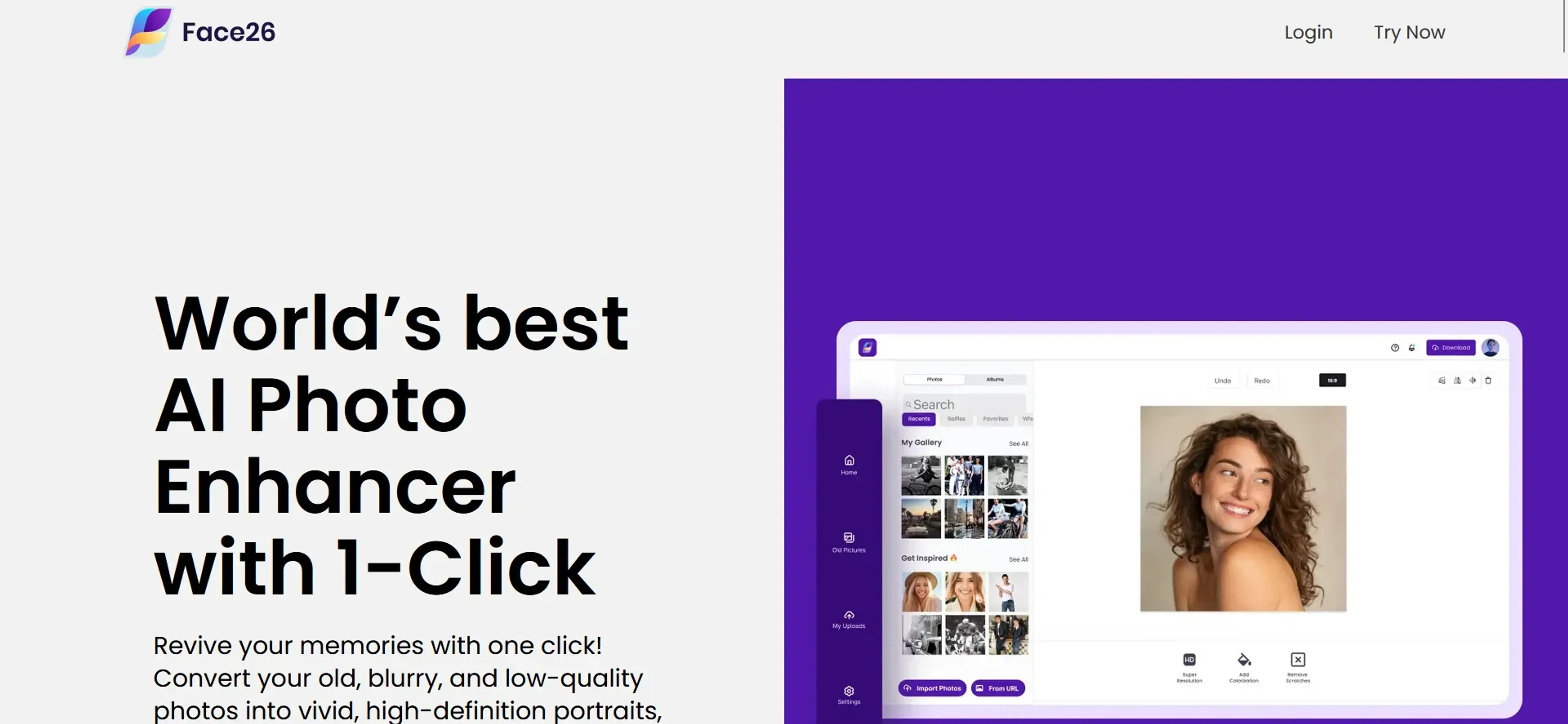
Face26 is an AI-powered photo enhancement tool that revives old, blurry, or low-quality images. It offers a suite of features including unblurring, colorizing black-and-white photos, restoring vintage snapshots, and animating still portraits. With a user-friendly interface, it also provides AI upscaling, face retouch, and denoising to deliver high-definition results. Designed for content creators, designers, historians, and social media users, Face26 prioritizes privacy with encrypted data handling. Its freemium model includes a free tier and subscription plans starting at $9 per month, making it accessible for various photo enhancement needs.
Key Features
- AI Photo Enhancer: Automatically enhances photo resolution, sharpens details, and adjusts color with a single click.
- Unblur Images: Turns blurry photos into stunning HD with precision and ease.
- Colorize Photos: Breathes life into old, grey, black and white photos by adding vibrant colors.
- Photo Restoration: Utilizes advanced AI tools to restore and repair old photos.
- AI Upscale: Enhances small, low-definition pictures to HD quality without any loss in detail.
- Animate Photos: Brings portraits to life by animating faces with a range of emotional templates.
- AI Face Retouch: Improves facial features in photos by retouching and fixing blurry or pixelated faces.
- AI Denoiser: Removes noise and grain from images, providing a cleaner, crisper finish.
Pricing Details
- Free Tier: Face26 offers a range of features accessible without charge, allowing users to test its capabilities.
- Subscription Plans: Detailed pricing plans are available on the Face26 website, catering to different user needs and budgets.
Pros
- Ease of Use: Intuitive interface makes photo enhancement accessible to users of all skill levels.
- Versatility: Offers a comprehensive suite of tools for various photo editing needs.
- Quality Results: Delivers high-definition photos without compromising on quality.
- Privacy-Focused: Ensures user data and images are encrypted for privacy.
Cons
- Learning Curve: New users may need time to familiarize themselves with the full range of tools.
- Cost: While offering exceptional features, the pricing may be a consideration for some users.
- Internet Dependency: Requires an internet connection to access and use the web-based application.
Use Cases
- Content Creators: For creating visually appealing content with enhanced images.
- Graphic Designers: To refine and retouch images within their design projects.
- Historians and Archivists: Employing the tool to restore and preserve historical photographs.
- Social Media Enthusiasts: For personalizing and enhancing images before sharing them online.
- Uncommon Use Cases: Real estate agents using it to enhance property photos; educators incorporating enhanced images in teaching materials.