
About Prisma
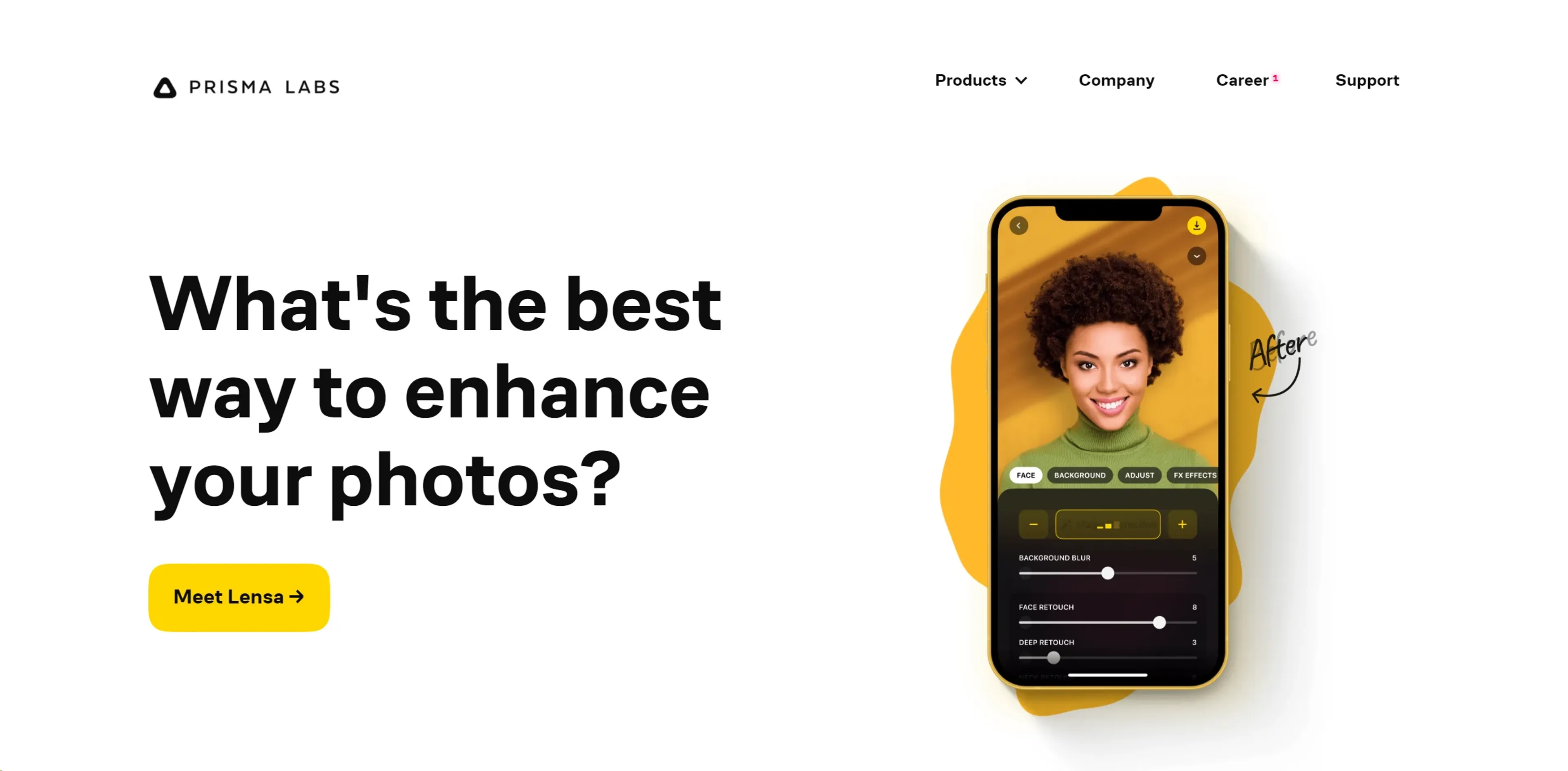
Prisma is an AI-powered tool that transforms ordinary photos into stunning works of art using advanced neural networks. It offers a vast library of artistic filters inspired by famous painters like Van Gogh and Picasso, allowing users to apply complex effects in seconds. Designed for photographers, graphic designers, and digital artists, Prisma supports high-resolution images and provides a user-friendly interface. Available on iOS and Android, it enables creative experimentation for social media, professional projects, and digital art education. While some filters may become overused, the tool's speed and versatility make it a popular choice for enhancing creativity.
Key Features
- Artistic Transformation: Utilizes sophisticated AI algorithms to convert photos into artworks mimicking the styles of famous painters like Van Gogh, Picasso, and Levitan.
- Speed and Efficiency: Processes images quickly, allowing users to apply complex artistic effects in seconds.
- High-Resolution Support: Works with high-resolution images, ensuring that the artistic effects are beautifully rendered without losing detail.
- Extensive Filter Library: Offers a vast library of artistic filters, each customizable to suit individual preferences and creative visions.
- User-Friendly Interface: Designed with a simple, intuitive interface that makes it easy for users of all skill levels to navigate and use.
Pricing Details
- Free Tier: Experience Prisma with basic features at no cost.
- Premium Tier: Access to all filters and high-resolution support starts at $19.99 per year.
Pros
- Enhanced Creativity: Empowers users to explore their creativity by transforming photos into different artistic styles.
- Time-Saving: Quickly applies complex artistic effects, saving time for artists and designers.
- Versatility: Suitable for various professional and personal applications, enhancing everything from social media posts to professional artwork.
- Accessibility: Available on multiple platforms, including iOS and Android, making it accessible to a wide range of users.
Cons
- Data Consumption: High-quality transformations may consume significant amounts of data, potentially impacting users with limited bandwidth.
- Overuse of Filters: The distinctive look of some filters might lead to a uniformity in aesthetics, especially noticeable on popular social media platforms.
- Learning Curve: New users may require some time to fully explore and utilize the extensive features and filter settings.
Use Cases
- Professional Photographers: Utilizing the tool to add unique artistic flairs to their photographs.
- Graphic Designers: Employing the tool to create eye-catching designs and artworks.
- Content Creators: Leveraging the tool to produce distinctive visuals for social media and blogs.
- Art Enthusiasts: Using the tool to experiment with digital art creation.
- Uncommon Use Cases: Utilized by real estate agents to enhance property photos for listings; adopted by educators to introduce students to digital art concepts.