
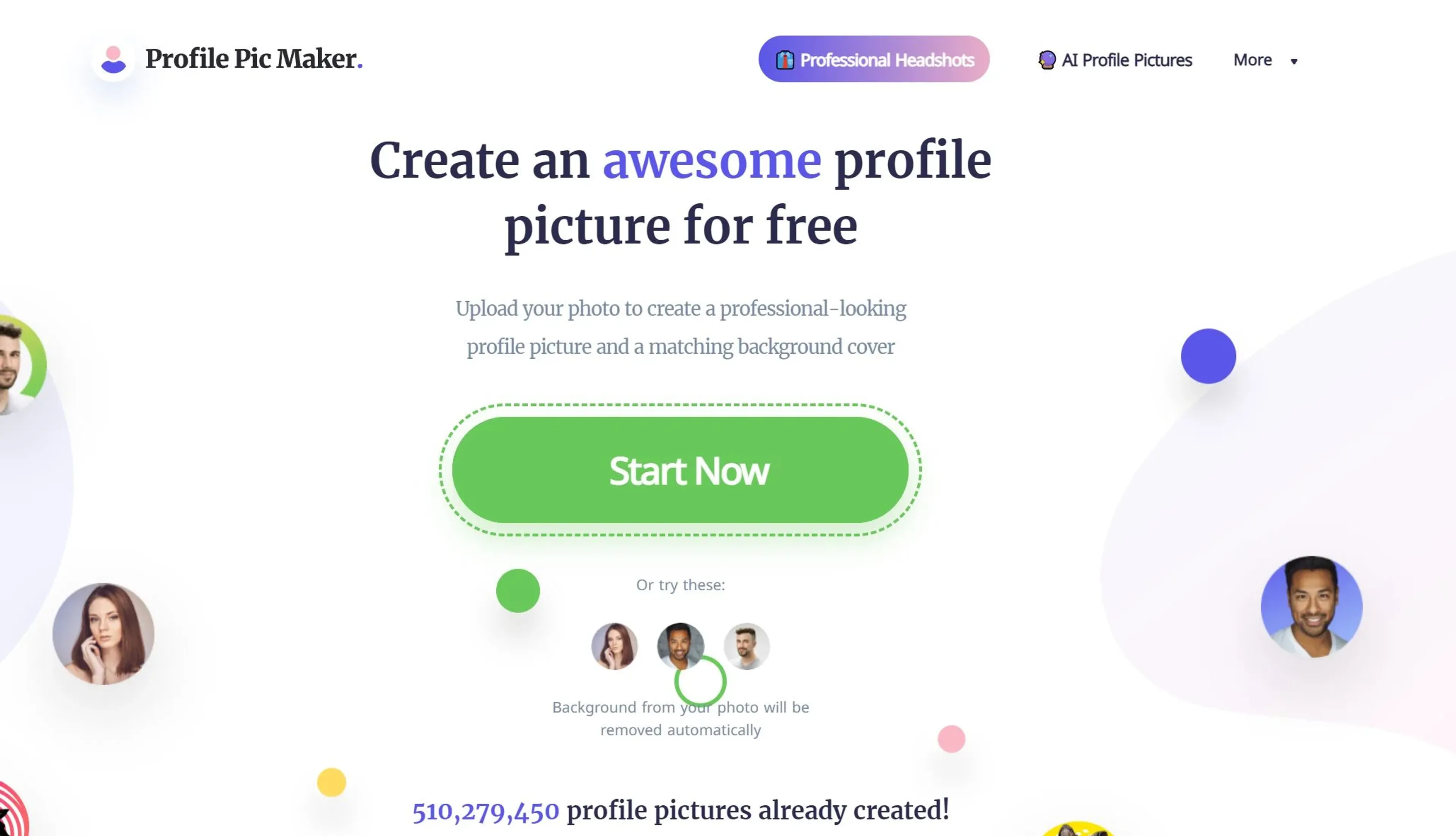
About Profile Picture Maker
Profile Picture Maker is an AI-powered tool designed to transform your digital identity with professional, eye-catching profile pictures. It offers an AI portrait editor that fine-tunes your photos, an AI portrait enhancer that adjusts lighting and contrast, and background removal and replacement for a clean or creative look. With a vast selection of professional templates, you can create images for LinkedIn, Instagram, resumes, email signatures, and more. The tool is user-friendly, produces high-quality output, and is completely free to use without a credit card. While it supports JPG/PNG up to 5MB and may have limitations with complex backgrounds, it's ideal for social media enthusiasts, professionals, teams, and creative individuals seeking to enhance their online presence.
Key Features
- AI Portrait Editor: Harnessing the power of artificial intelligence to fine-tune and enhance your profile pictures to perfection.
- Background Removal and Replacement: Effortlessly remove or change the background of your images for a more professional or creative look.
- AI Portrait Enhancer: Automatically adjusts your photo to showcase your best self, improving lighting, contrast, and other details.
- Professional Templates: Choose from a vast selection of templates tailored for various professional and social needs.
Pricing Details
- Free Tier: Users can access most features of Profile Picture Maker without any cost, making it an excellent tool for individuals looking to enhance their online presence without investment.
Pros
- Ease of Use: Intuitive design makes profile picture creation accessible to everyone, regardless of technical skill.
- Versatility: Suitable for a wide range of uses, from social media and business cards to CVs and email signatures.
- Quality Output: Produces high-quality, professional-looking profile pictures that can significantly boost online engagement.
- Free to Use: Offers a robust set of features without the need for a credit card, making it accessible to a wide audience.
Cons
- Limited Advanced Editing: While it offers a variety of editing tools, professionals might find the features somewhat basic.
- File Size Restriction: Supports JPG/PNG up to 5MB, which may limit options for users with higher resolution photos.
- Background Removal Precision: Though constantly improving, the background remover may struggle with highly complex backgrounds.
Use Cases
- Social Media Enthusiasts: Enhancing their online presence with creative and polished profile pictures.
- Professionals: Crafting business-oriented headshots for LinkedIn, resumes, and email signatures.
- Teams: Creating uniform profile pictures to present a cohesive brand image online.
- Creative Individuals: Experimenting with various styles and templates for unique personal branding.
- Uncommon Use Cases: Educational institutions using it as a tool for teaching marketing and personal branding; Freelancers and entrepreneurs utilizing it to create professional images for business pitches and websites.