
About Zoho Sheet
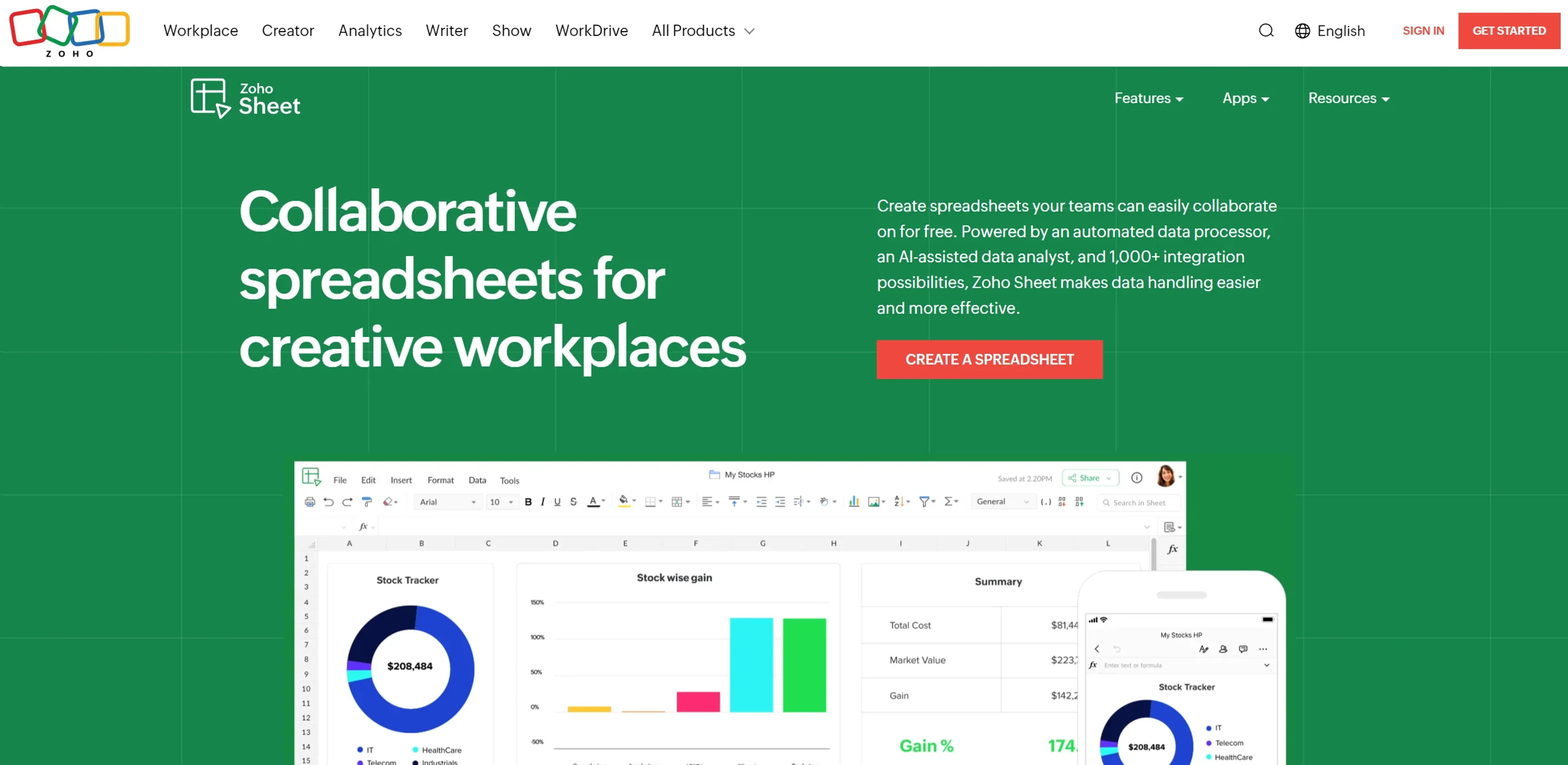
Zoho Sheet is a robust online spreadsheet application designed for creating, editing, and collaborating on spreadsheets in real time. It offers a comprehensive suite of features that cater to a wide range of needs, from simple data entry to complex numerical analysis. Key capabilities include an automated data processor that simplifies repetitive tasks, an AI-assisted data analyst for generating insights and reports, and integration with over 1,000 Zoho applications and other cloud-based software for smooth workflows. Real-time collaboration is supported with cell locking, change tracking, and version management, making it ideal for teams. The tool is highly customizable with interactive elements like drop-down menus and checkboxes, and it offers nearly 40 chart types and dynamic pivot table builders for visual data analysis. Zoho Sheet is accessible across web browsers, iOS, and Android, and it ensures a smooth transition from Excel with no loss of formatting. It is particularly useful for financial analysts, project managers, educators, and healthcare professionals, and it is available for free with robust features.
Key Features
- Automated Data Processor: Simplifies data handling by automating repetitive tasks, reducing human error.
- AI-Assisted Data Analyst: Uses advanced AI for insights, reports, and data interpretation, enhancing complex analysis.
- Comprehensive Integration Capabilities: Integrates with over 1,000 Zoho applications and cloud-based software, ensuring smooth workflows.
- Real-Time Collaboration: Allows simultaneous work with locking cells, tracking changes, and managing versions effectively.
Pricing Details
- Free: Use Zoho Sheet with robust features at no cost.
Pros
- Highly Customizable: Tailor spreadsheets with interactive elements like drop-down menus and check boxes.
- Cross-Platform Accessibility: Access via web browsers, iOS, and Android apps for productivity on the go.
- Excel Compatibility: Smooth transition from Excel with no loss of formatting, ideal for Excel users.
- Advanced Charting and Pivot Tables: Offers nearly 40 chart types and dynamic pivot table builders for visual data analysis.
Cons
- Learning Curve: New users may require time to familiarize themselves with advanced features.
- Internet Dependency: Relies on a stable internet connection for uninterrupted access.
- Feature Overload: Extensive features and integrations can overwhelm basic users.
Use Cases
- Financial Analysts: For complex financial forecasting and budgeting.
- Project Managers: Tracking project timelines and resource allocation.
- Educational Institutions: Managing administrative data and classroom activities.
- Healthcare Professionals: Handling patient data and scheduling.
- Uncommon Use Cases: Non-profits for grant tracking, event planners for guest lists and logistics.