
About GPTExcel
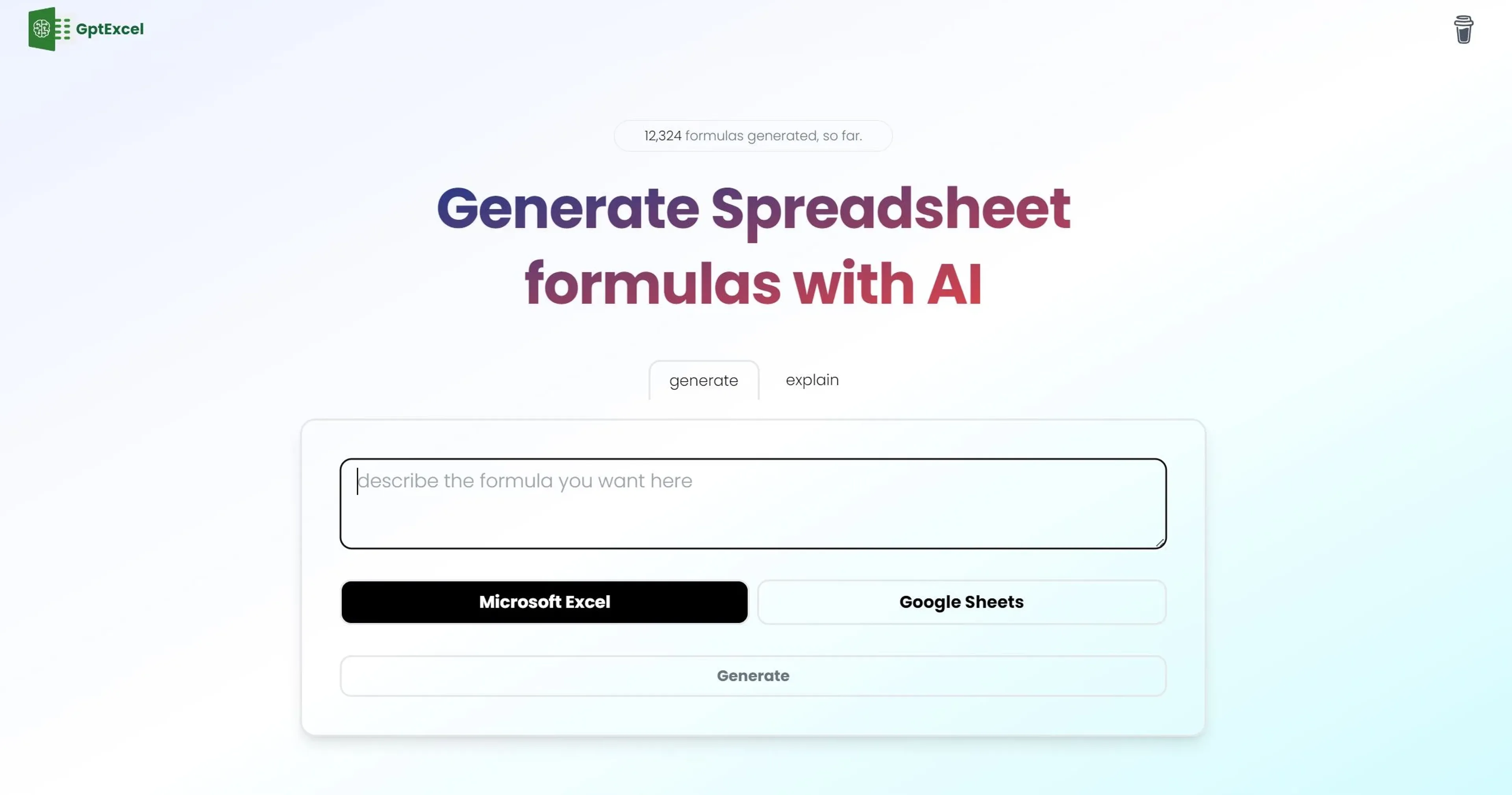
GPTExcel is an AI-powered spreadsheet assistant that simplifies work in Excel, Google Sheets, and Airtable. It generates complex formulas, VBA and Apps Scripts, SQL queries, regular expressions, and table templates, helping users automate repetitive tasks and manage data more efficiently. The tool is designed for both beginners and experts, with a user-friendly interface, support for over 50 languages, and a free tier that allows four requests per day. It is a practical companion for data analysis, financial modeling, and spreadsheet management.
Key Features
- Excel Formula Generator AI: Generates and explains complex formulas for Excel and Google Sheets, simplifying spreadsheet calculations.
- Script Generator AI: Crafts VBA, Apps Scripts, and Airtable Scripts to automate repetitive tasks and streamline workflow.
- SQL Query Generator AI: Simplifies the creation, debugging, and refinement of SQL queries for database operations.
- Regex Generator AI: Assists in generating and understanding regular expression patterns for data validation and filtering.
- Template Generator AI: Creates table templates for Excel and Google Sheets to facilitate data organization and management.
Pricing Details
- Free Tier: Offers basic features with a limit of 4 free requests per day.
- Pro Plan: Available at $6.99 per month, providing access to advanced features such as script generation and priority customer support.
Pros
- Boosted Productivity: Drastically reduces the time spent on formula creation, script writing, and other spreadsheet tasks.
- Ease of Use: Intuitive interface suitable for users of all levels, from beginners to experts.
- Multilingual Support: Supports over 50 languages, ensuring accessibility for a diverse user base.
- Generous Free Tier: Allows users to explore features with 4 free requests per day without requiring a credit card.
Cons
- Limited Free Requests: The free tier restricts users to four requests per day, which may not be sufficient for heavy users.
- Learning Curve: New users may need time to fully grasp the capabilities and features of the tool.
- Script Generators Not Included in Free Tier: Access to the full suite of automation tools requires upgrading to a paid plan.
Use Cases
- Accountants and Financial Analysts: Utilizing the tool for financial modeling, analysis, and reporting tasks.
- Data Analysts: Leveraging the AI capabilities for generating and troubleshooting SQL queries and data manipulation.
- Project Managers: Employing the template generator for organizing project-related data and tasks.
- Educators and Students: Incorporating GPTExcel into coursework to teach spreadsheet skills and data management.
- Uncommon Use Cases: Non-profit organizations, fitness trainers, and legal professionals utilizing GPTExcel for various specialized tasks like donation tracking, workout planning, and legal document organization.