
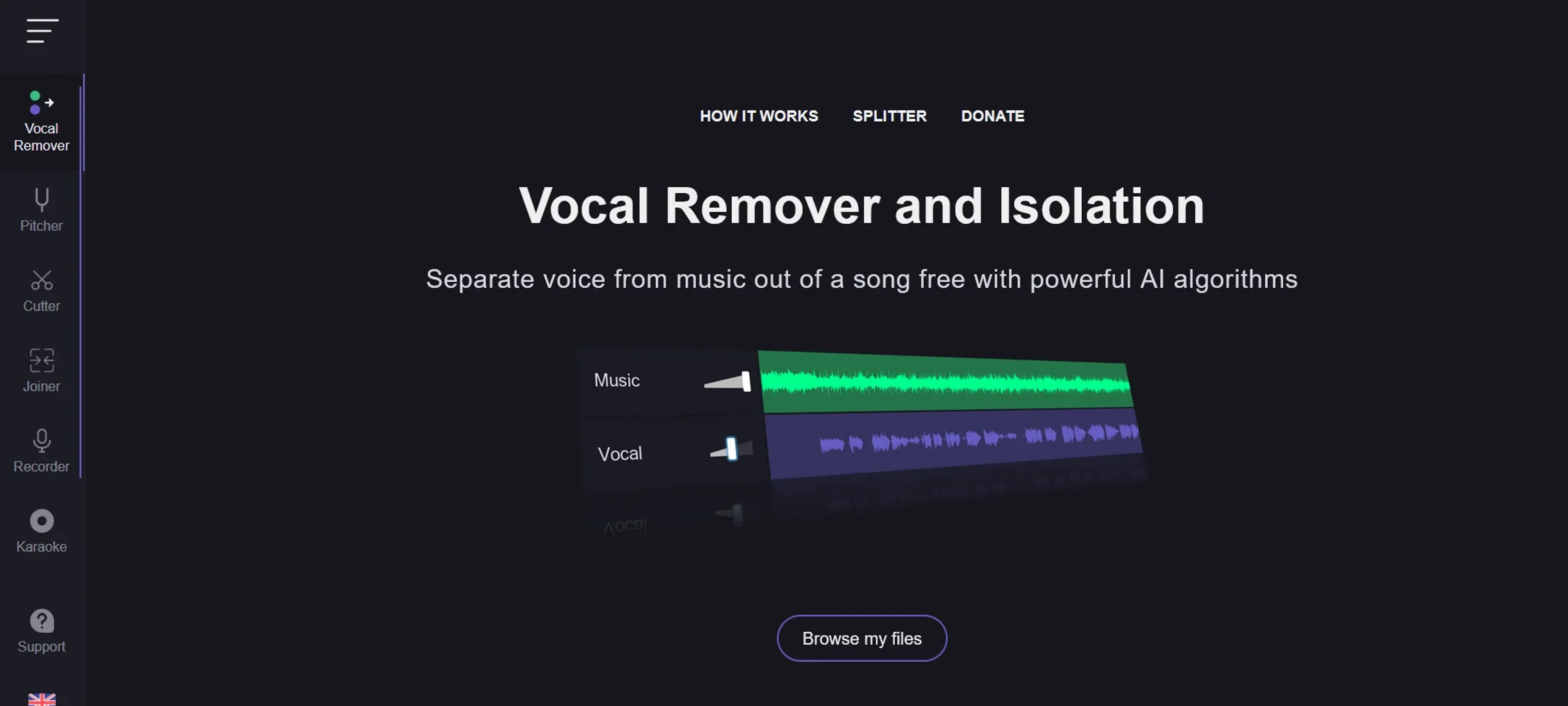
About Vocal Remover
Vocal Remover is an AI-driven online tool that isolates vocals from any music track, letting you create clean instrumentals or acapellas with high precision. Designed for musicians, producers, DJs, karaoke enthusiasts, and content creators, it offers a simple interface, batch processing for multiple files, and support for various genres and formats. The free tier covers basic needs, while premium unlocks higher limits and enhanced features. It also helps educators and podcasters clean up audio segments, making it a versatile solution for professional and personal audio projects.
Key Features
- High-Quality Vocal Isolation: Utilizes AI-driven algorithms to separate vocals with high precision, ensuring clean instrumental tracks.
- User-Friendly Interface: Designed with simplicity in mind, allowing users of all skill levels to easily navigate and use the tool.
- Batch Processing: Supports the processing of multiple files simultaneously, saving time and enhancing productivity.
- Versatility: Capable of handling a wide range of music genres and file formats, making it a versatile choice for various audio projects.
Pricing Details
- Free Tier: Experience Vocal Remover with basic features at no cost.
- Premium Tier: Unlock enhanced features and higher processing limits starting at a competitive price.
Pros
- Effortless Operation: Simplifies the complex process of vocal and instrumental separation with just a few clicks.
- Time-Saving: The batch processing feature significantly reduces the time required to process multiple files.
- High-Quality Outputs: Produces clean and clear tracks, minimizing audio artifacts.
- Accessibility: Available online, it eliminates the need for downloading software, offering flexibility and convenience.
Cons
- Internet Dependency: Being an online tool, it requires a stable internet connection for optimal performance.
- File Size Limitations: There might be restrictions on the size of the files that can be uploaded and processed.
- Processing Time: For larger files or during peak usage times, the processing time may be longer than anticipated.
Use Cases
- Music Producers: Utilizing the tool to create samples or backing tracks.
- DJs: Preparing custom tracks for mixing and live performances.
- Karaoke Enthusiasts: Creating instrumental versions of songs for karaoke sessions.
- Content Creators: Producing clear voice-overs by removing background music from clips.
- Uncommon Use Cases: Vocal Remover is also being used by educators for creating teaching materials and by podcasters for cleaning up audio segments.