
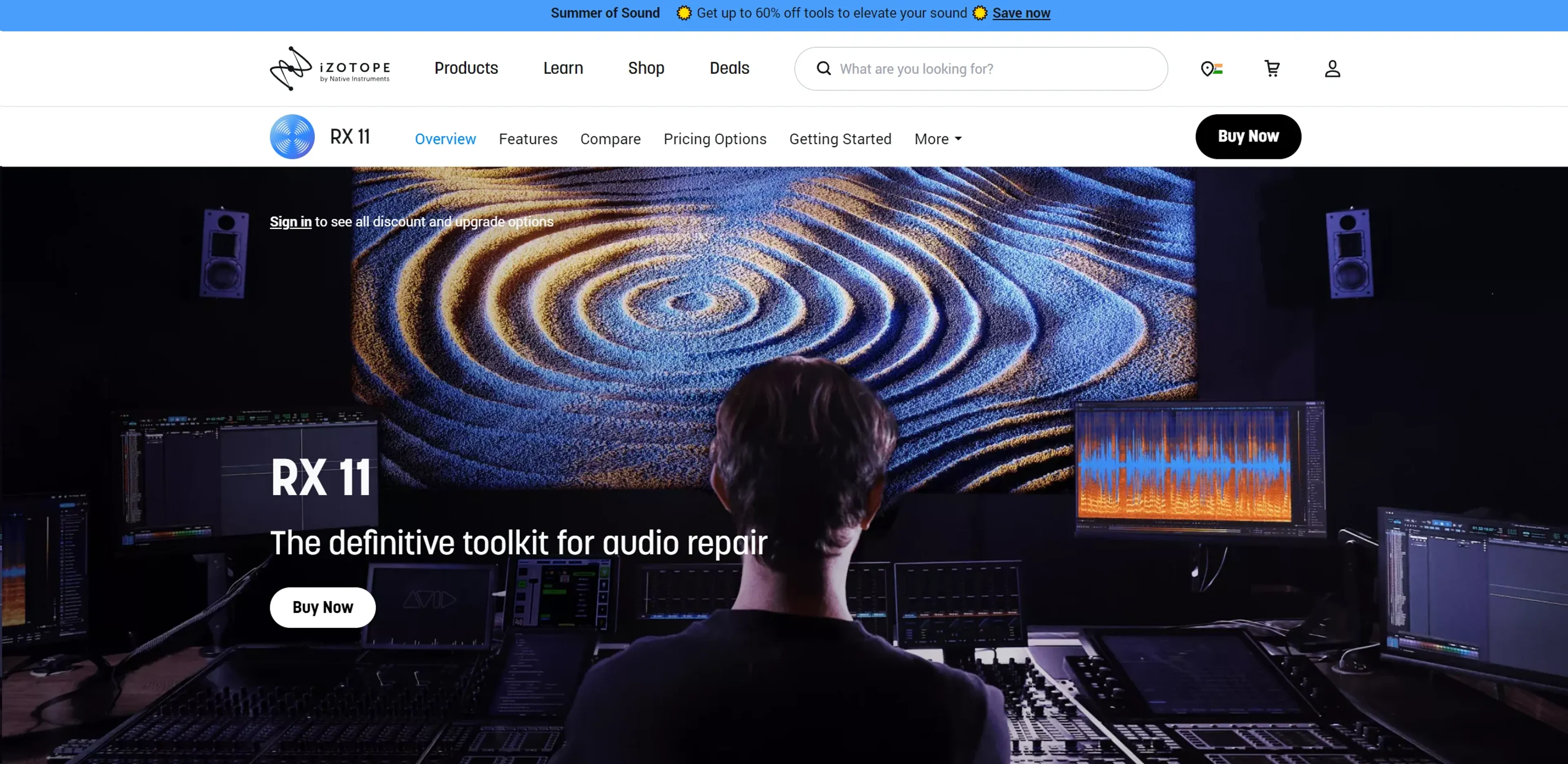
About iZotope RX
iZotope RX is a professional audio repair and enhancement suite used by music producers, post-production teams, and podcasters. It leverages advanced machine learning to fix noise, clicks, hum, clipping, and unwanted reverb with precision. Key modules include De-click, De-hum, De-clip, Dialogue Isolate, and the Repair Assistant for automated fixes. Real-time processing enables live cleanup during sessions. Compatible with major DAWs via VST3 and AU plugins, RX offers over 20 plugins for comprehensive restoration. Available in Elements, Standard, and Advanced tiers starting at $49.
Key Features
- Advanced Repair Tools: Utilize modules like De-click, De-hum, De-clip, and the all-encompassing Repair Assistant for various audio issues.
- Real-Time Audio Cleanup: Features like Dialogue Isolate and De-reverb offer real-time processing, making it easier to manage and execute tasks during live sessions.
- Machine Learning Capabilities: Enhanced with the latest neural networks for smarter, faster operations and better end results.
- Versatile Plugin Support: Compatible with major DAWs and available in formats like VST3 and AU, ensuring seamless integration into existing setups.
Pricing Details
- RX 11 Elements: Starts at $49.00, perfect for basic audio repair needs.
- RX 11 Standard: Available for $299.00, suitable for more advanced users.
- RX 11 Advanced: Priced at $799.00, offering the complete suite for top-tier audio professionals.
Pros
- High-Quality Audio Restoration: Delivers professional-grade sound quality by effectively removing imperfections without degrading the original audio.
- Time Efficiency: Speeds up the audio repair process with tools designed for quick and accurate fixes.
- User-Friendly Interface: Even though it packs advanced features, the intuitive design makes it accessible for both beginners and professionals.
- Extensive Plugin Range: With over 20 plugins, users can handle nearly any audio repair task imaginable.
Cons
- Cost Factor: While offering substantial value, the advanced versions can be quite an investment.
- Learning Curve: New users may require some time to fully utilize its extensive features.
- System Requirements: High-performance demands might exclude users with older or less powerful computers.
Use Cases
- Music Producers: Employing RX for cleaning up live recordings and samples.
- Film and TV Post-Production Teams: Using RX to enhance dialogue clarity and background soundscapes.
- Podcasters: Leveraging RX to improve the audio quality of their broadcasts.
- Audio Engineers in Live Sound Environments: Utilizing RX for real-time fixes during events.
- Uncommon Use Cases: Academics use RX in research for audio analysis; Forensic experts use RX for clarity in investigative contexts.