
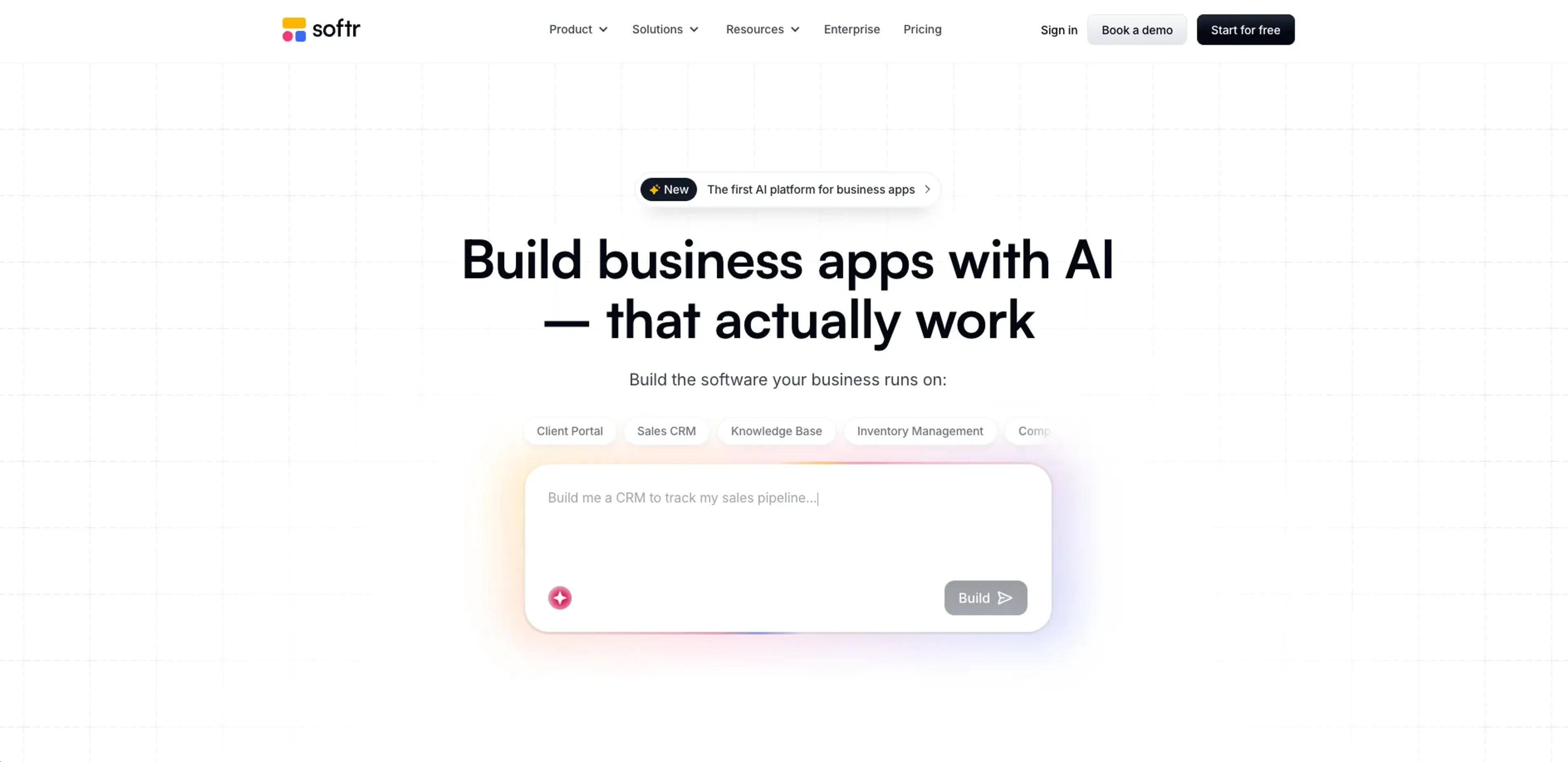
About Softr
Softr enables non-technical and technical teams to build custom AI business apps, portals, and internal tools without writing code. Its AI app builder generates pages, data models, roles, and workflows from natural language prompts, while a built-in database and integrations with Airtable, Notion, Google Sheets, HubSpot, and more connect live data. Workflow automation and connectors like Make, Zapier, and n8n streamline processes. Role-based access control, SSO, and SOC 2 readiness support enterprise use. Templates for CRMs, ERPs, and portals accelerate delivery, and apps can be published as mobile PWAs.
Key Features
- AI app builder co-pilot: Users describe the app they want in natural language and Softr generates pages, data models, roles, and workflows that can then be refined through prompts or a visual editor.
- Ask AI and AI agents on data: Built-in AI agents answer questions on top of live data, generate summaries, and help run routine processes directly from portals and dashboards.
- Built-in database plus external data sources: Softr Databases store structured business data, while integrations connect to Airtable, Notion, Google Sheets, HubSpot, monday.com, ClickUp, Coda, Supabase, MySQL, PostgreSQL, and any REST API.
- Workflow automation and integrations: Visual workflows and native connectors, plus Make, Zapier, and n8n, let teams automate multi-step processes like onboarding, approvals, and notifications.
- Security, permissions, and governance: Role-based access control, granular permissions, secure authentication, SOC 2 and GDPR readiness, and SSO on Enterprise plans support serious production use.
- Templates and mobile-ready apps: A large template library for CRMs, ERPs, portals, and more, with the option to turn apps into installable mobile PWAs in a few clicks.
Pricing Details
- Free : $0 per month; 5 AI credits, 10 app users, 5,000 database records, 500 workflow actions, unlimited form responses, and unlimited apps.
- Basic : $59 per month; 10 AI credits per month, 20 app users, 50,000 database records, and 2,500 workflow actions.
- Professional : $167 per month; 50 AI credits per month, 100 app users, 500,000 database records, 10,000 workflow actions, and 3 custom user groups.
- Business : $323 per month; 100 AI credits per month, 500 app users, 1 million database records, 25,000 workflow actions, and unlimited user groups.
- Enterprise : Custom pricing; custom usage limits, SSO, custom agreements and SLAs, SOC2 reporting, advanced app security, audit logging, team spaces, dedicated success manager, and priority support.
Pros
- Fast path from idea to working app: AI scaffolding plus templates allow teams to ship functional tools in hours instead of weeks.
- Business-operations focus: The product is clearly oriented around portals, CRMs, ERPs, and internal tools rather than just marketing sites.
- Predictable, flat pricing: Plans are priced by tier, not per seat, which suits growing teams that do not want surprise bills.
- Strong integration story: Direct connections to popular SaaS tools and databases reduce the need for custom glue code.
- Enterprise-ready security: Compliance, audit-friendly permissions, and SSO options make it suitable for regulated environments.
Cons
- Complex apps still require careful modeling: Very intricate workflows or data structures can take thoughtful setup despite the AI assistance.
- Limited for highly bespoke UIs: Teams that need pixel-perfect, fully custom front ends may eventually hit platform constraints.
- AI builder is not fully hands-off: Good prompts help, but users still need to refine logic, roles, and edge cases manually.
Use Cases
- Business operations teams: Building ERPs, approval workflows, and internal dashboards that connect finance, HR, and ops data.
- Consultancies and agencies: Delivering client portals, reporting hubs, and project trackers that can be cloned and reused across clients.
- Sales, RevOps, and customer success teams: Creating custom CRMs, account portals, and success workspaces tuned to their motion.
- Education and non-profit organizations: Running student, donor, and volunteer portals and lightweight case management apps.
- Uncommon Use Cases: Small manufacturers running production-lite ERPs built with templates plus AI; sports or community clubs managing membership, events, and communications through AI-assisted portals.