
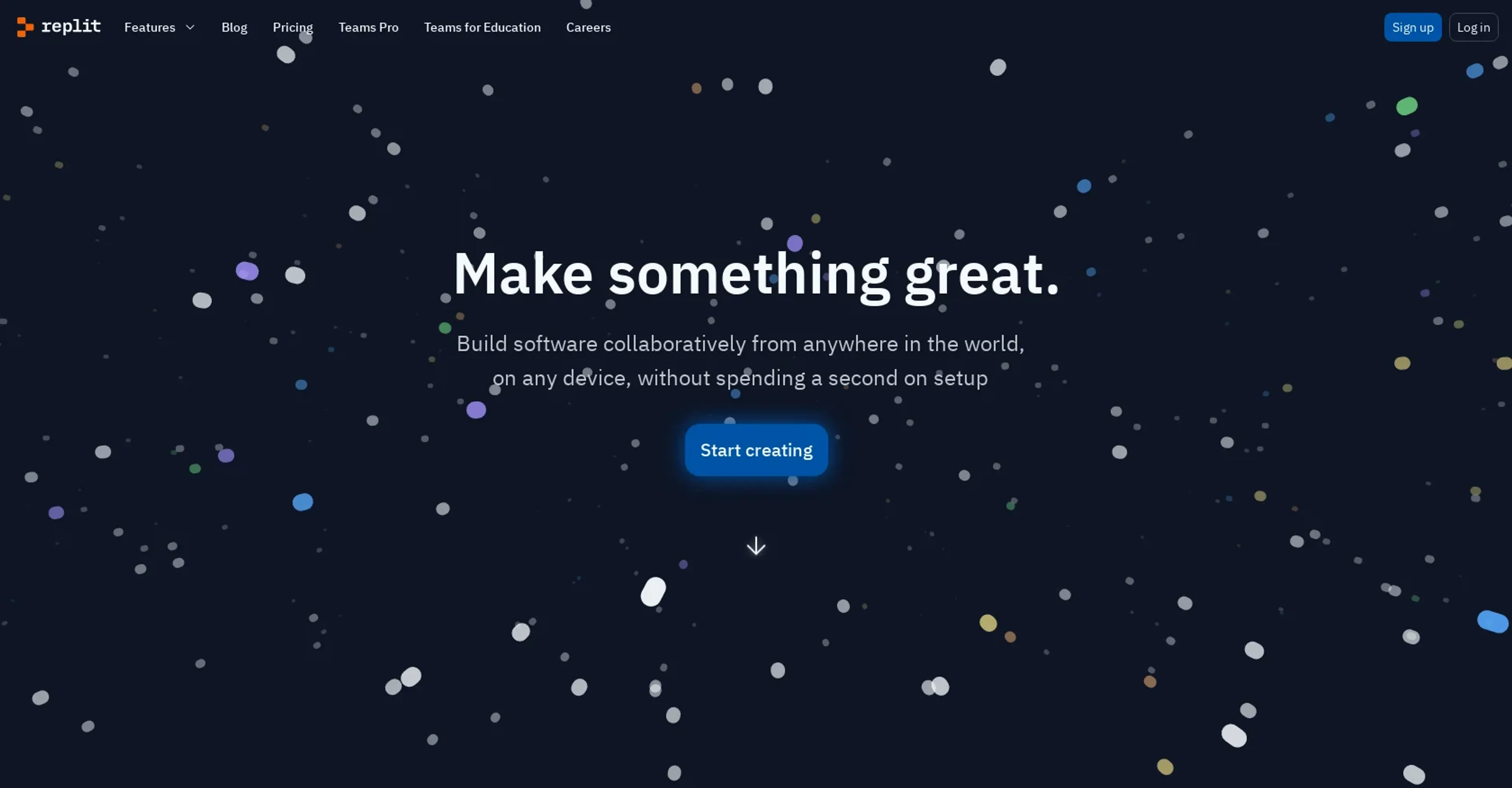
About Replit
Replit AI is a browser-based development platform that integrates artificial intelligence directly into the coding workflow. It provides real-time, context-aware code suggestions to accelerate writing and debugging, along with a built-in debugger and customizable workspaces. Multiple users can code simultaneously in a shared environment, making it ideal for remote teams, educational institutions, freelancers, and hobbyists. The platform supports projects of varying complexity and offers a freemium model with a Pro tier starting at $7 per month. Its key differentiators are seamless collaboration, instant deployment, and AI assistance that lowers the barrier for beginners while boosting productivity for experienced developers.
Key Features
- AI-Powered Code Suggestions: Provides real-time, context-aware code suggestions to improve coding efficiency.
- Collaborative Coding Environment: Enables multiple users to code simultaneously in a shared workspace.
- Built-in Debugger: Features an integrated debugging tool that helps identify and fix errors quickly.
- Customizable Workspaces: Allows users to personalize their coding environment according to their preferences and project needs.
Pricing Details
- Free Tier: Explore Replit AI with a basic set of features at no cost.
- Pro Tier: Advanced features and capabilities start at $7 per month.
Pros
- Enhanced Coding Speed: Significantly reduces the time required to write and debug code.
- Accessibility: Makes coding more accessible to beginners through intuitive AI assistance.
- Collaboration Efficiency: Streamlines project collaboration, making it easier to work with teams remotely.
- Scalability: Adapts easily to different project sizes and complexity levels.
Cons
- Dependence on Internet Connectivity: Requires a stable internet connection for optimal functionality.
- Learning Curve for Advanced Features: New users may need time to fully leverage all AI capabilities.
- Subscription Model: While offering powerful features, the cost may be a barrier for some individual users or small teams.
Use Cases
- Educational Institutions: Utilized in computer science classes to teach coding more interactively.
- Software Development Companies: Employed to enhance developer productivity and project turnaround times.
- Freelancers: Used by freelance developers to streamline workflows and manage multiple projects efficiently.
- Hobbyists: Attracts coding enthusiasts looking to experiment and learn through a supportive AI environment.
- Uncommon Use Cases: Non-profit organizations use it for building and maintaining their digital tools; small businesses use it to automate and integrate their existing software solutions.