
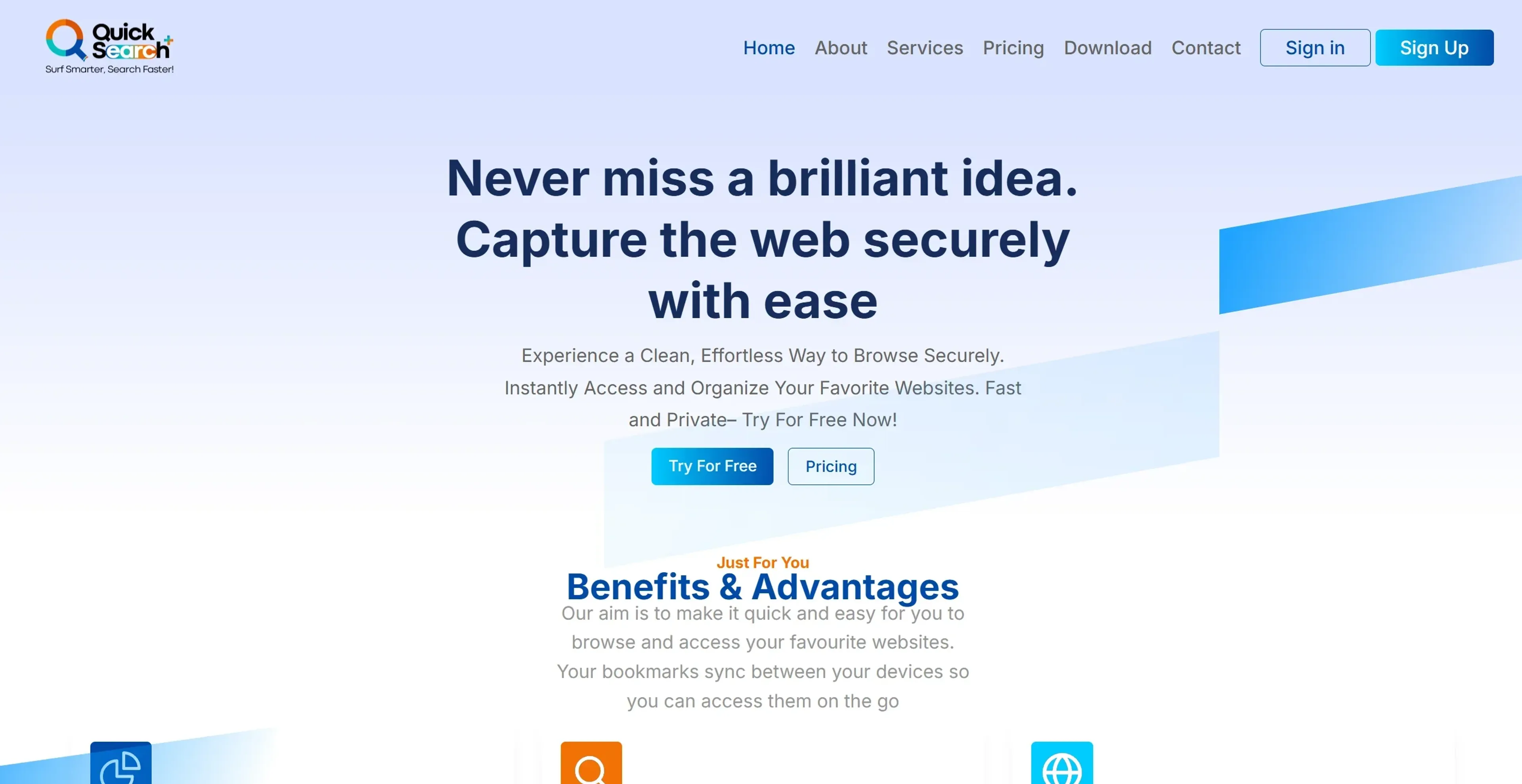
About QuickSearchPlus
QuickSearchPlus is a comprehensive bookmark and browsing tool designed to streamline web research and organization. It offers lightning-fast search across saved bookmarks, intuitive tagging and categorization, and seamless multi-device synchronization. Built-in VPN and incognito web portal ensure private, secure browsing, while file upload/download capabilities make it a versatile resource hub. Ideal for researchers, academics, digital marketers, and freelancers, it reduces time spent on information retrieval and enhances productivity. The freemium model includes a free tier with limited bookmarks and folders, with paid plans starting at $13/month for unlimited access and advanced features.
Key Features
- Advanced Search Capabilities: QuickSearchPlus leverages cutting-edge technology to deliver lightning-fast search results, making it easy to locate specific bookmarks or web content within seconds.
- Intuitive Bookmark Organization: The tool offers a user-friendly interface that allows users to categorize and tag bookmarks with ease, ensuring an organized and accessible digital library.
- Multi-Device Sync: With seamless synchronization across devices, users can access their bookmarks and files wherever they are, eliminating the frustration of device-specific restrictions.
- Web Portal (Incognito): Enjoy private and secure browsing with built-in VPN protection, ensuring that your online activities remain anonymous and protected at all times.
Pricing Details
- Free Tier: Offers up to 50 bookmarks, 5 folders, and limited web portal access.
- Standard Tier: Priced at $13 per month, includes unlimited bookmarks, folders, and advanced search features.
- Premium Tier: Available for $23 per month, provides full feature access, including unlimited web summaries and increased file upload capacity.
Pros
- Time Efficiency: QuickSearchPlus significantly reduces the time spent searching and organizing bookmarks, allowing users to focus on more important tasks.
- User-Friendly Design: Its intuitive interface makes it accessible to users of all technical levels, ensuring a smooth learning curve.
- Enhanced Privacy: The built-in VPN and incognito browsing features prioritize user privacy, providing peace of mind during online activities.
- Comprehensive Functionality: Beyond bookmarking, the tool supports file uploads and downloads, making it a versatile solution for managing digital resources.
Cons
- Initial Learning Curve: While designed for ease of use, some users may require time to fully explore and utilize all advanced features.
- Limited Free Access: The free version offers limited bookmarks and folder access, which may not suffice for heavy users.
- Integration Limitations: Currently, the tool may have limited integration with certain third-party platforms, which could impact workflow for some users.
Use Cases
- Researchers and Academics: Utilizing the tool for efficient web research and bookmark management.
- Digital Marketing Professionals: Employing the tool to organize and access online resources quickly.
- Freelancers: Leveraging the tool for streamlined project management and resource collection.
- Cybersecurity Experts: Using the tool's privacy features to ensure secure browsing.
- Uncommon Use Cases: Adopted by educational institutions for teaching digital literacy; embraced by travel bloggers for organizing travel research and content.