
About Ludo
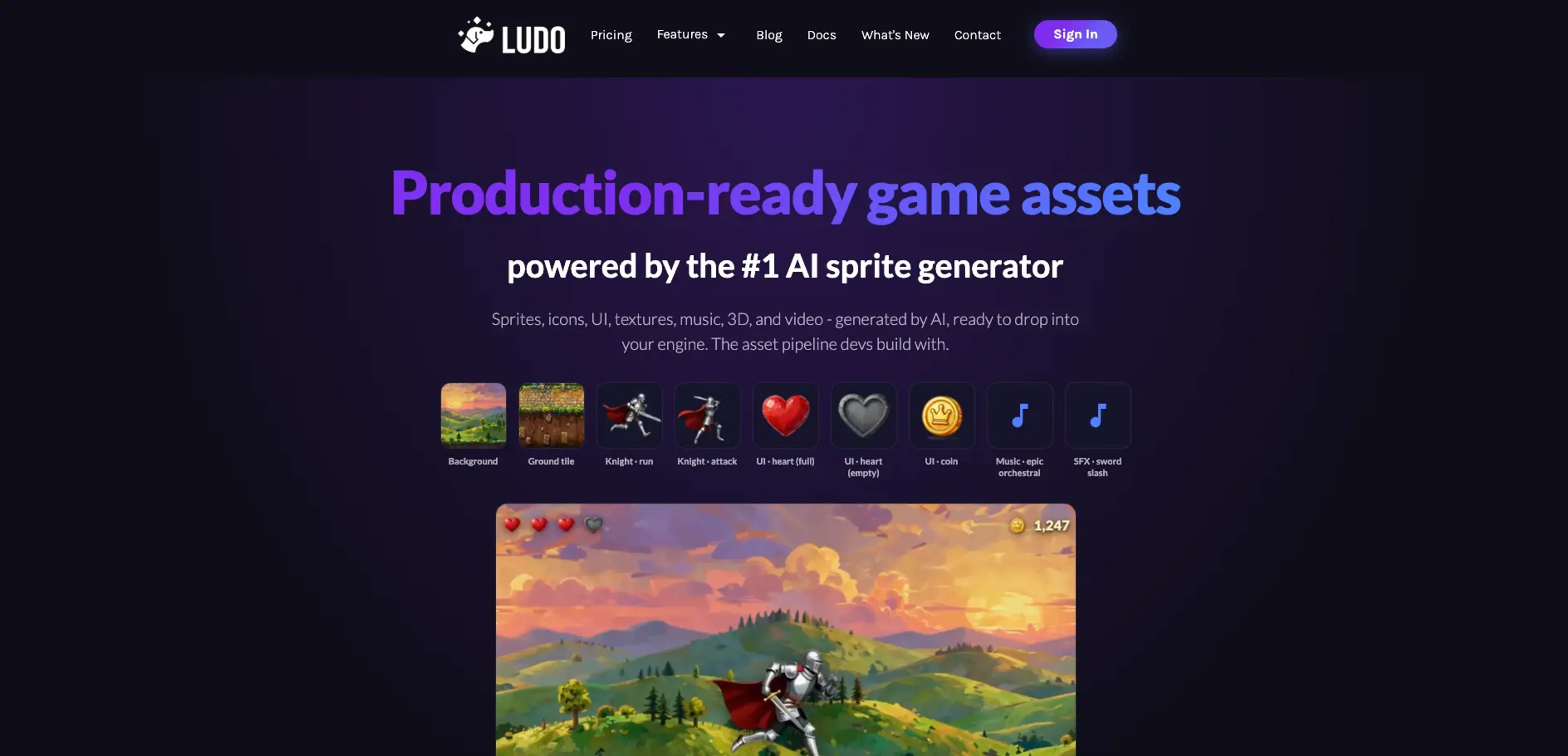
Ludo is a web-based game asset studio that uses generative models to create sprites, animations, UI, textures, music, 3D models, and video for game teams. It targets indie developers and small studios that need production-ready art faster than traditional pipelines allow. By connecting to engines and AI assistants through an API, MCP server, and a Unity plugin, it fits into existing workflows. It offers AI sprite generation with spritesheets, style matching, iterative editing, and cross-modal consistency for 2D, 3D, and audio assets.
Key Features
- AI Sprite Generator & Spritesheets: Upload or generate a starting frame, describe motion in plain English, and get looping or one-shot spritesheets for moves like idle, walk, run, attack, hit, and death with GIF, PNG, JSON, and MP4 exports.
- 2D Asset Generators: Type-specific models create static sprites, UI elements, map tiles, textures, icons, card art, splash art, screenshots, backgrounds, and tilesets that are ready to drop into common engines.
- Art Styles & Style Matching: Dozens of preset styles, from 8-bit pixel art to anime and stylized 3D, plus style reference matching to keep sprites, tiles, and UI visually consistent across a project.
- Iterative Image Editor: A prompt-based editor modifies armor, colors, or details while preserving the character's pose, style, and identity so teams can refine assets instead of restarting.
- Audio, 3D, and Video Generation: Text prompts create background music, sound effects, ambience loops, character voices, static 3D meshes with PBR textures, and short videos for gameplay previews, cutscenes, and portrait animation.
- Pipeline Integrations: A REST API, MCP server for tools like Claude and Cursor, and an open source Unity plugin let teams trigger generation and import assets directly from editors and assistants.
Pricing Details
- Indie: $20 per month; includes 250 credits per month, 1 seat, 5 active projects, 1 concurrent generation job, basic support, and unused credits roll over.
- Pro: $50 per month; includes 1,000 credits per month, unlimited active projects, unlimited ideation/game concept/image generation, 2 concurrent generation jobs, API and MCP access, premium support, and unused credits roll over.
- Studio: $350 per month; includes 10,000 credits per month, 10 seats, real-time collaboration, 5 concurrent generation jobs, API and MCP access, priority support, and unused credits roll over.
- Enterprise: Custom pricing; includes custom integrations, tailored AI solutions, dedicated support, and volume licensing.
Pros
- Game-focused outputs: Spritesheets, JSON metadata, GLTF models, and looping audio come in engine-friendly formats that reduce manual conversion work.
- Speed for animation-heavy games: Case studies report going from prompt to usable animations in a few minutes, which makes tuning movement and VFX feel iterative.
- Cross-modal consistency: The same styles and prompts can drive 2D art, 3D props, and audio so a game's look and sound stay aligned.
- Strong workflow hooks: MCP, API endpoints per asset type, and the Unity plugin support automated asset generation inside chat-based tools and the Unity editor.
- Proof from shipped titles: Public case studies from multiple indie releases show the tool in real production use, not just demo concepts.
Cons
- Static 3D only: Generated 3D assets are unrigged static meshes, so character animation still needs external tools or manual work.
- Limited API access by plan: API and MCP keys are restricted to Pro and Studio subscriptions, which can slow experimentation for hobbyists.
- Short-lived API asset URLs: API responses use asset links that expire after several days, so teams must copy files into their own storage quickly.
Use Cases
- Solo indie developers: Use it to generate sprites, tiles, UI, music, and SFX so a single person can ship content-heavy games.
- Small studios and micro-teams: Replace parts of traditional art pipelines with automated spritesheets, environments, and props to hit schedules with small headcount.
- Technical artists and animators: Turn keyframes into spritesheets and iterate on motion with prompts instead of redrawing full cycles.
- Game designers and prototypers: Previsualize mechanics, levels, and cutscenes with quick shots and animated characters before committing engineering time.
- AI tooling and assistant builders: Plug the MCP server into Claude, Cursor, or custom agents so copilots can request art, 3D, and audio on demand.
- Uncommon Use Cases: Classroom exercises in game art and audio where students need rapid feedback; story-driven marketing pieces that borrow game-style visuals and sound.