
About Dezgo
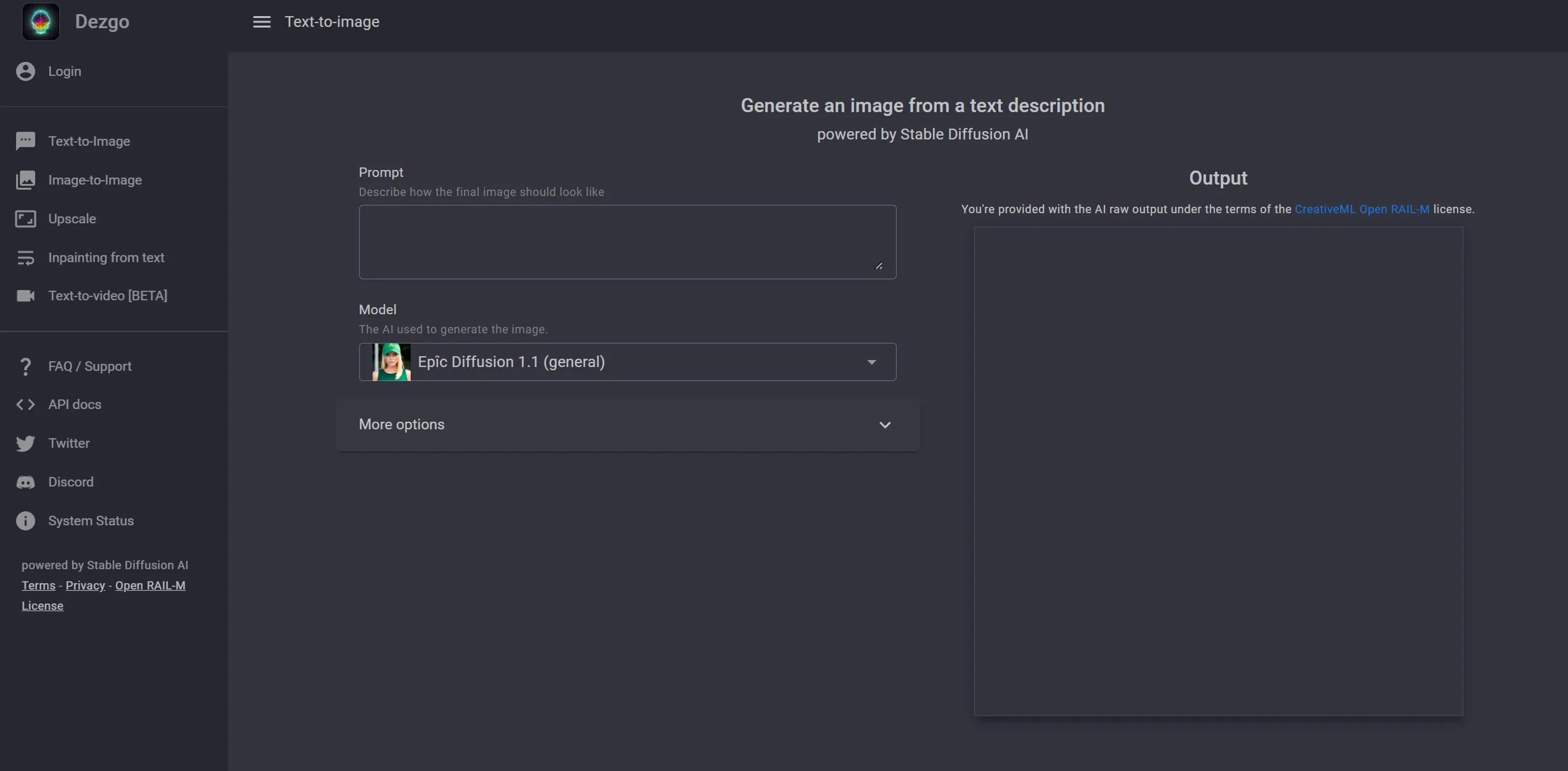
Dezgo is a text-to-image generator powered by Stable Diffusion, turning written prompts into detailed, high-resolution visuals. It also offers text-to-video in beta, image-to-image transformation, text-based inpainting, background removal, and 2x upscaling via Real-ESRGAN. Users can choose models, resolution, negative prompts, and guidance settings for precise control. Designed for creatives, developers, and businesses, Dezgo provides a free tier and a Pro subscription for advanced features and higher limits, making it a versatile tool for visual content creation.
Key Features
- Text-to-Image Generation: Utilizes Stable Diffusion AI to create detailed images from text prompts.
- Text-to-Video [BETA]: Explores the frontier of turning textual descriptions into engaging video content.
- Image-to-Image Transformation: Offers the ability to modify existing images through AI-driven enhancements.
- Inpainting from Text: Allows users to edit parts of an image by describing the desired changes in text.
- Remove Background: Provides tools for cleanly removing the background from any image.
- Upscale: Enhances image resolution using the Real-ESRGAN model, currently supporting a factor of 2 upscale.
- Controlled Text-to-Image: Adjusts AI guidance for more precise adherence to the user's prompts.
- Extensive Customization Options: Offers settings for model choice, resolution, negative prompts, and more to fine-tune the output.
Pricing Details
- Free Tier: Users can start with Dezgo's basic features at no cost.
- Pro Tier: Advanced features and higher usage limits available with subscription plans.
Pros
- High-Quality Outputs: Produces exceptionally detailed and realistic images.
- Versatility: Wide range of tools caters to various content creation needs.
- User-Friendly Interface: Designed for ease of use, regardless of technical expertise.
- Customization and Control: Extensive options to guide the AI for desired results.
Cons
- Learning Curve: New users may need time to familiarize themselves with all available features.
- Beta Features: Some features like text-to-video are still in beta and may have limitations.
- Resource Intensive: High-quality outputs and advanced features may require significant computational resources.
Use Cases
- Graphic Designers: For creating complex visuals without the need for extensive drafting.
- Content Creators: To generate unique images or videos for social media and other digital platforms.
- Marketing Agencies: For crafting engaging visuals for campaigns or branding purposes.
- Game Developers: To conceptualize environments, characters, or items.
- Uncommon Use Cases: Academics using it for visualizing data or concepts; Novelists for bringing scenes or characters to life visually.