
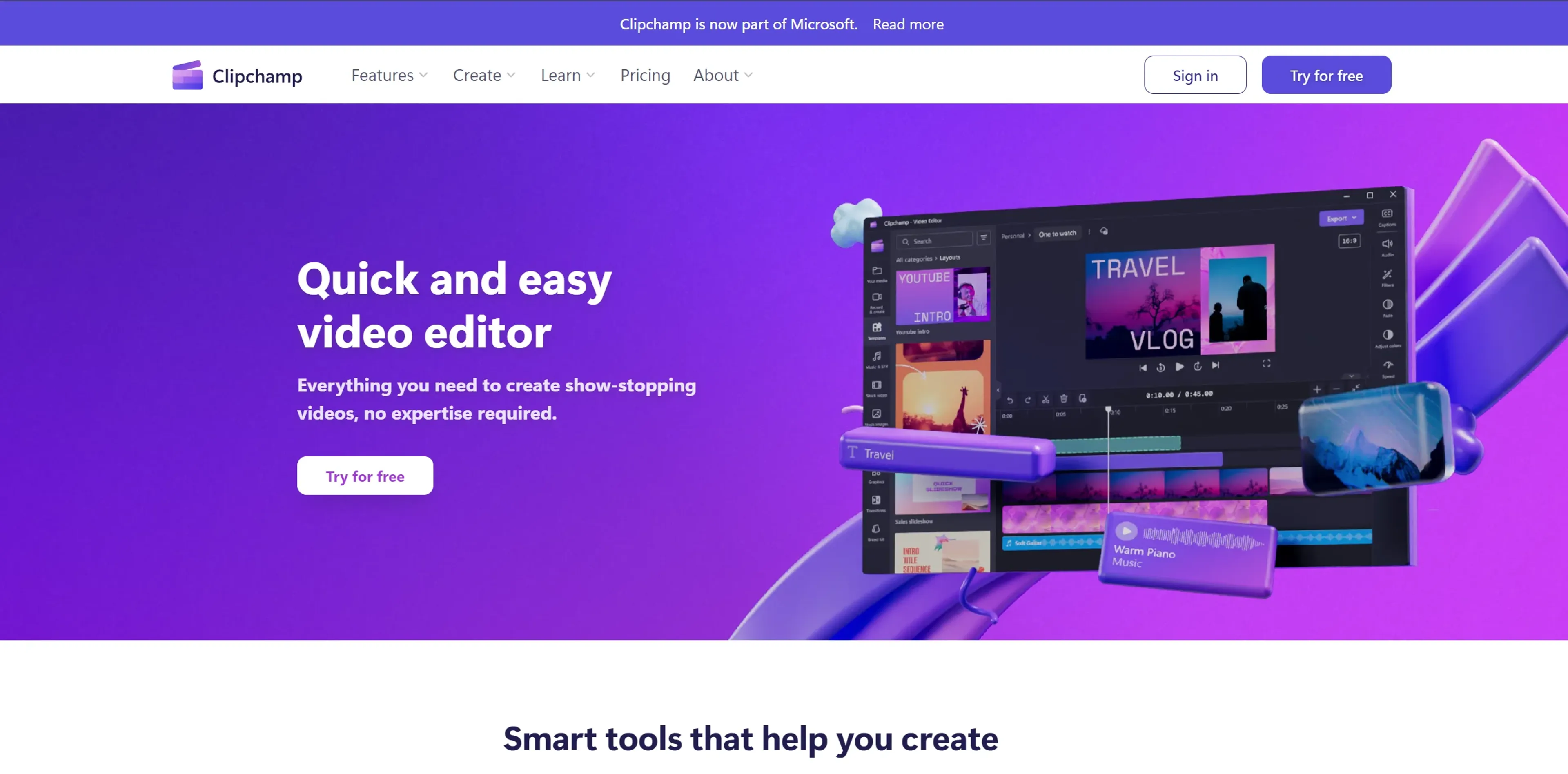
About Clipchamp
Clipchamp is a versatile video editing platform that simplifies professional-quality video creation for beginners and seasoned creators alike. It offers a comprehensive suite of tools including autocaptions in over 80 languages, text-to-speech, aspect ratio resizing, speaker coaching, and AI-powered auto compose. The platform provides access to a vast library of royalty-free elements and works across browser, desktop, and mobile apps. Suitable for content creators, businesses, educators, and social media managers, Clipchamp enables high-definition 1080p output without watermarks on its free tier, with premium features available through a Microsoft365 subscription.
Key Features
- Autocaptions: Automatically generates accurate captions in over 80 languages, leveraging advanced speech-to-text technology.
- Text to Speech: Converts text into natural-sounding speech in a variety of languages and voices.
- Resize Video: Easily adjust the aspect ratio of videos to fit different platforms, complete with background customization options.
- Speaker Coach: Offers valuable feedback on your speaking pace, pitch, and use of filler words to help improve your communication skills.
- Auto Compose: Utilizes AI to streamline the video creation process, transforming your media into engaging content.
- Royalty-Free Elements: Access to a vast library of royalty-free elements to enhance your videos without watermarks.
- Cross-Platform Accessibility: Available as an in-browser app, desktop app, and mobile app, ensuring flexibility and convenience for users.
Pricing Details
- Free Tier: Enjoy high-definition video creation without watermarks.
- Premium Features: Available with a Microsoft365 subscription.
Pros
- Ease of Use: Intuitive interface that simplifies the video editing process.
- High-Quality Output: Enables creation of high-definition videos (1080p) for professional-looking results.
- Versatility: Suitable for a wide range of users, from individuals to businesses and educators.
- Cost-Effective: Offers a robust free version and premium features accessible with a Microsoft365 subscription.
Cons
- Learning Curve: New users may need time to fully exploit the advanced features.
- Platform Limitations: Some premium features require a Microsoft365 subscription.
- Internet Dependency: Being primarily an online tool, a stable internet connection is crucial for uninterrupted usage.
Use Cases
- Content Creators: For producing YouTube, TikTok, and Instagram videos that stand out.
- Businesses: To create compelling promotional and corporate videos.
- Educators: For making educational content more engaging with video resources.
- Social Media Managers: To quickly craft and edit content for various platforms.
- Uncommon Use Cases: Non-profits using video storytelling for awareness campaigns; Podcasters for creating video snippets of their episodes.