About Canva Text to Image
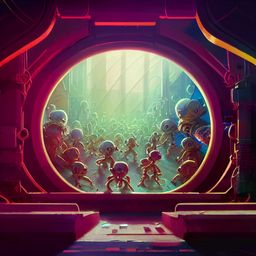
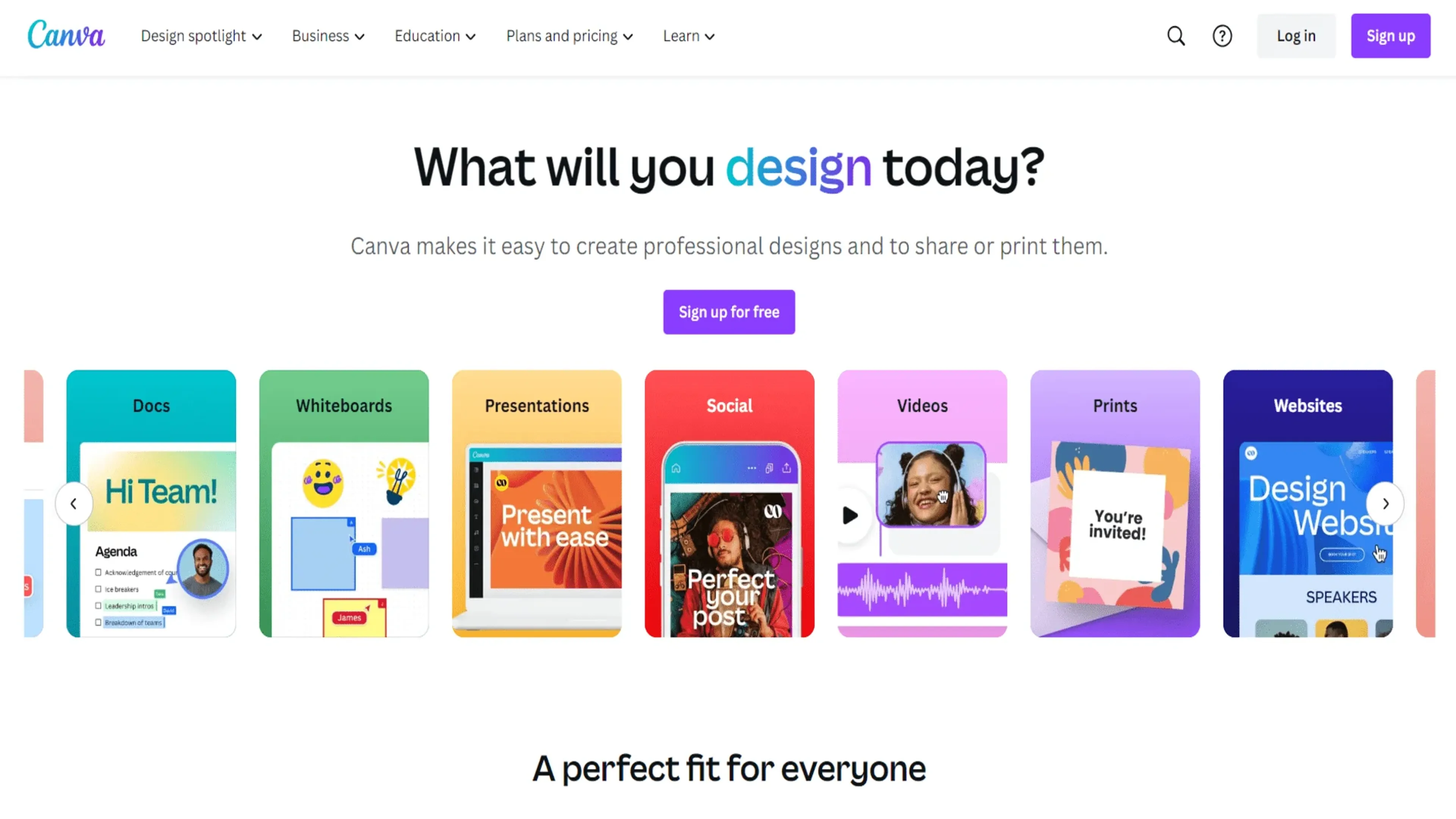
Canva Text to Image is an AI-powered feature within the Canva design platform that transforms text descriptions into unique images. It is designed for individuals, businesses, and educators, simplifying the creation of visually stunning content across various mediums, from social media posts to presentations and marketing materials. The tool offers customization options to tweak and refine AI-generated visuals, supports a diverse range of styles from photorealistic to abstract illustrations, and integrates seamlessly with Canva's design ecosystem. It helps spark creativity, saves time, and reduces design costs, making it accessible to both novice and experienced designers. Available in Canva's free version, with additional features through Canva Pro and Enterprise plans.
Key Features
- AI-Powered Visual Generation: Transforms text descriptions into unique images using artificial intelligence.
- Integration with Canva Design Platform: Seamlessly works within the Canva ecosystem for a unified design experience.
- Customization Options: Provides tools to tweak and refine the AI-generated visuals to fit specific needs.
- Diverse Style Range: Capable of creating images in various styles, from photorealistic to abstract illustrations.
Pricing Details
- Free Version: Canva offers a basic version of Text-to-Image that's included with the free Canva account.
- Subscription Plans: Additional features and capabilities are available through Canva Pro and Canva for Enterprise plans.
Pros
- Enhanced Creativity: Sparks new design ideas with AI-generated imagery that can be used as a starting point.
- Time-Saving: Quickly produces images, reducing the time spent on conceptualization and design.
- Ease of Use: Intuitive interface requires no advanced design skills, making it accessible to a broader audience.
- Cost-Effective: Can help reduce expenses related to graphic design and content creation.
Cons
- Predictability Limitations: While innovative, the AI may not always perfectly capture the nuance of the text input.
- Design Diversity: There may be limitations in the variety of styles the AI can produce compared to a human designer.
- Learning Curve: Users may need time to learn how to best input text to achieve the desired visual outcomes.
Use Cases
- Content Creators: For generating unique visuals to accompany blog posts and articles.
- Social Media Marketers: To create eye-catching graphics for social media campaigns.
- Small Business Owners: For designing promotional materials without the need for a professional designer.
- Educators: To produce visual aids that can help illustrate complex concepts.
- Uncommon Use Cases: Used by authors to visualize scenes or characters for their stories; adopted by event planners to quickly mockup theme concepts for clients.