
About Adobe Firefly
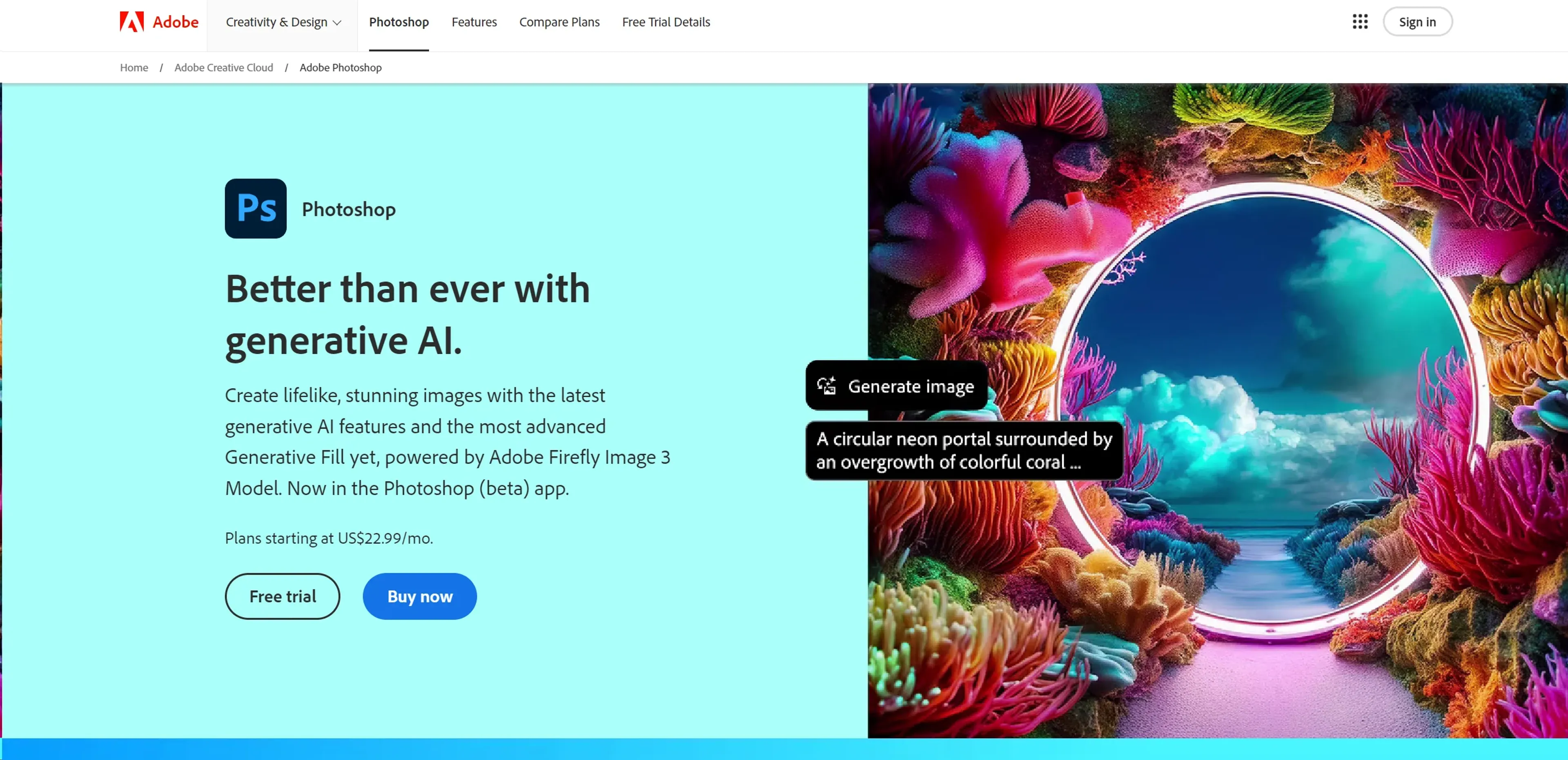
Adobe Firefly is a generative AI tool that turns simple text prompts into vibrant, detailed images and designs. It offers features like generative fill to add or remove elements, text effects for unique typography, generative recolor for vector artwork, and text-to-vector graphics for scalable logos and icons. Designed for professionals and hobbyists alike, Firefly simplifies complex design tasks, making creativity accessible across mediums. It integrates seamlessly with Adobe's ecosystem, including Photoshop, and is commercially safe for professional projects. Use cases include graphic design, digital marketing, content creation, and education, with uncommon applications in architecture and fashion design.
Key Features
- Text to Image Generation: Create detailed images from simple text descriptions, with options to guide style and structure using reference images.
- Generative Fill: Use intuitive brush tools to add or remove elements from your images, enhancing composition and depth.
- Text Effects: Apply unique styles or textures to text within your images, elevating the visual appeal of your designs.
- Generative Recolor: Easily generate color variations of your vector artwork, allowing for rapid experimentation with color schemes.
- Text to Vector Graphic: Convert detailed text descriptions into scalable vector graphics, perfect for logos, icons, and more.
Pricing Details
- Free Tier: Adobe Firefly offers a generous free tier, allowing users to explore its capabilities without immediate investment.
- Premium Plan: Details regarding the Premium plan are available on the official website, offering advanced features for professional use.
Pros
- Enhanced Creativity: Provides a vast canvas for creative exploration, allowing users to bring their wildest imaginations to life.
- Time-Saving: Significantly reduces the time needed for creating complex images and designs, streamlining workflows.
- User-Friendly: Despite its advanced capabilities, Adobe Firefly offers an intuitive interface that is accessible to users of all skill levels.
- Commercially Safe: Designed with commercial use in mind, ensuring that creations are safe for professional projects.
Cons
- Learning Curve: New users may need time to fully grasp the potential and nuances of generating images with AI.
- Internet Dependency: Being a web-based tool, it requires a stable internet connection for optimal performance.
- Limited to Adobe Ecosystem: Best suited for users already within or willing to join the Adobe ecosystem for creative tools.
Use Cases
- Graphic Designers: For creating unique designs and visuals effortlessly.
- Digital Marketers: Generating engaging content for campaigns and social media.
- Content Creators: Elevating blog posts, videos, and digital media with custom illustrations.
- Educators and Students: Utilizing in teaching and learning digital art and design.
- Uncommon Use Cases: Architects using it for conceptual visualizations; Fashion designers for pattern and textile ideation.